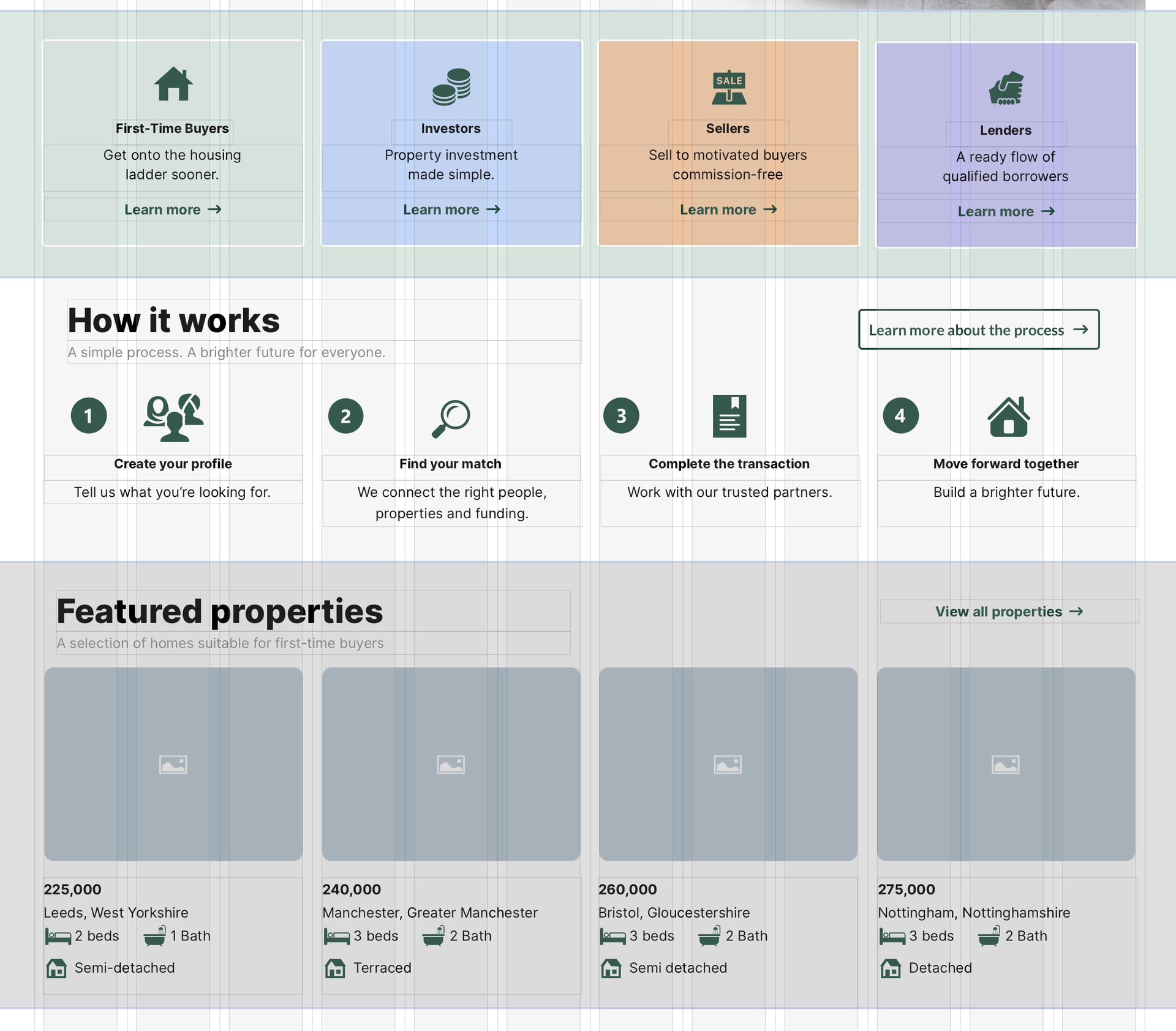
Right now, we can double-click on a bottom handle of a text box, and it will fit the box to the copy. Wonder if the same could be done with layout block containers?
Also, can we have a ‘snap to margin’ on selections? I have difficulty making elements easily snap to the layout grid, and end up typing in the positions manually.
Layout block containers are not specifically designed for tight-fitting elements. In the attached example you will see three layout blocks, each of which have a background colour that extends above and below the content of the block. That may be more difficult to achieve if the blocks themselves were made to fit flush with the content.
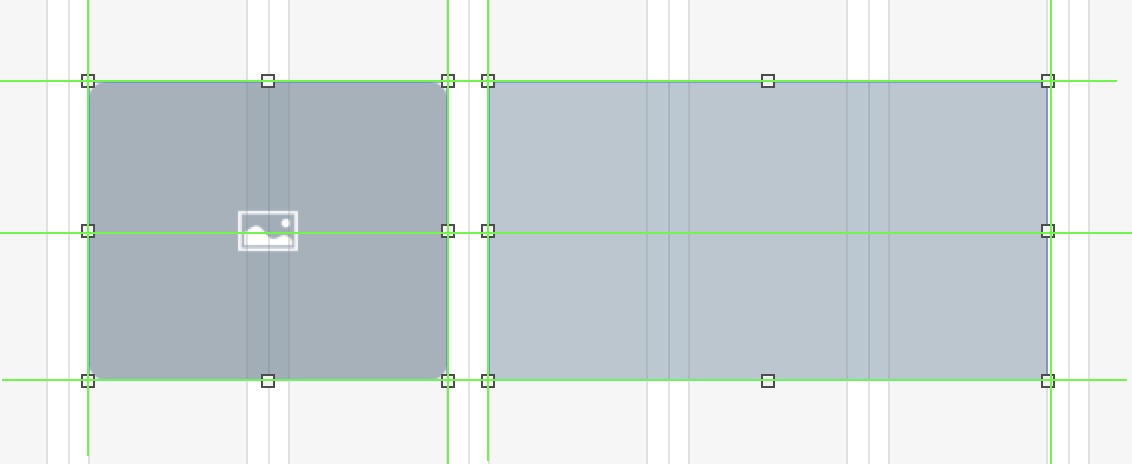
Sitely does have a snapping option that will snap objects to columns (as well as to other objects on the page), however it’s not a strict, disciplined snap that will prevent manual or precise alignment in the align-panel - its more a visual guide snapping that appears as green alignment lines - as shown in the screenshot below. When the lines appear, that’s when the object will snap if you stop moving it. If you don’t want to accidentally move the object again while developing your page, right-click the object and select lock. You can always unlock it again if you change your mind later.
Your use of the coloured layout blocks is nice, however, TomJr’s suggestion would be useful in other scenarios. For example, when a text block is shortened and shrunk with a double click, the layout block stays the same size. A double click would be an easy way to remove the extra blank area of the layout block.
Thank you for that, I can keep those things in mind when using layout blocks.
I guess I was unclear, I was referring to individual elements (text boxes, graphic boxes) just floating on the page; the snapping function isn’t always accurate, even with the green guides to help. Maybe I’m not using it correctly.
snapping to columns or elements is very snappy however. It almost never is really snapping. It is almost always not snapping exactly for some reason. Especially to center elements is quite tricky. Also could be seen on your screenshot-the right hand side box does not snap pixel perfect.