I’ve just noticed some odd behavior, even though the site has been live for several months now (lakazlabe.re).
The popup for the “RESERVER” button is : fixed in window / align : left / left margin : 0px.
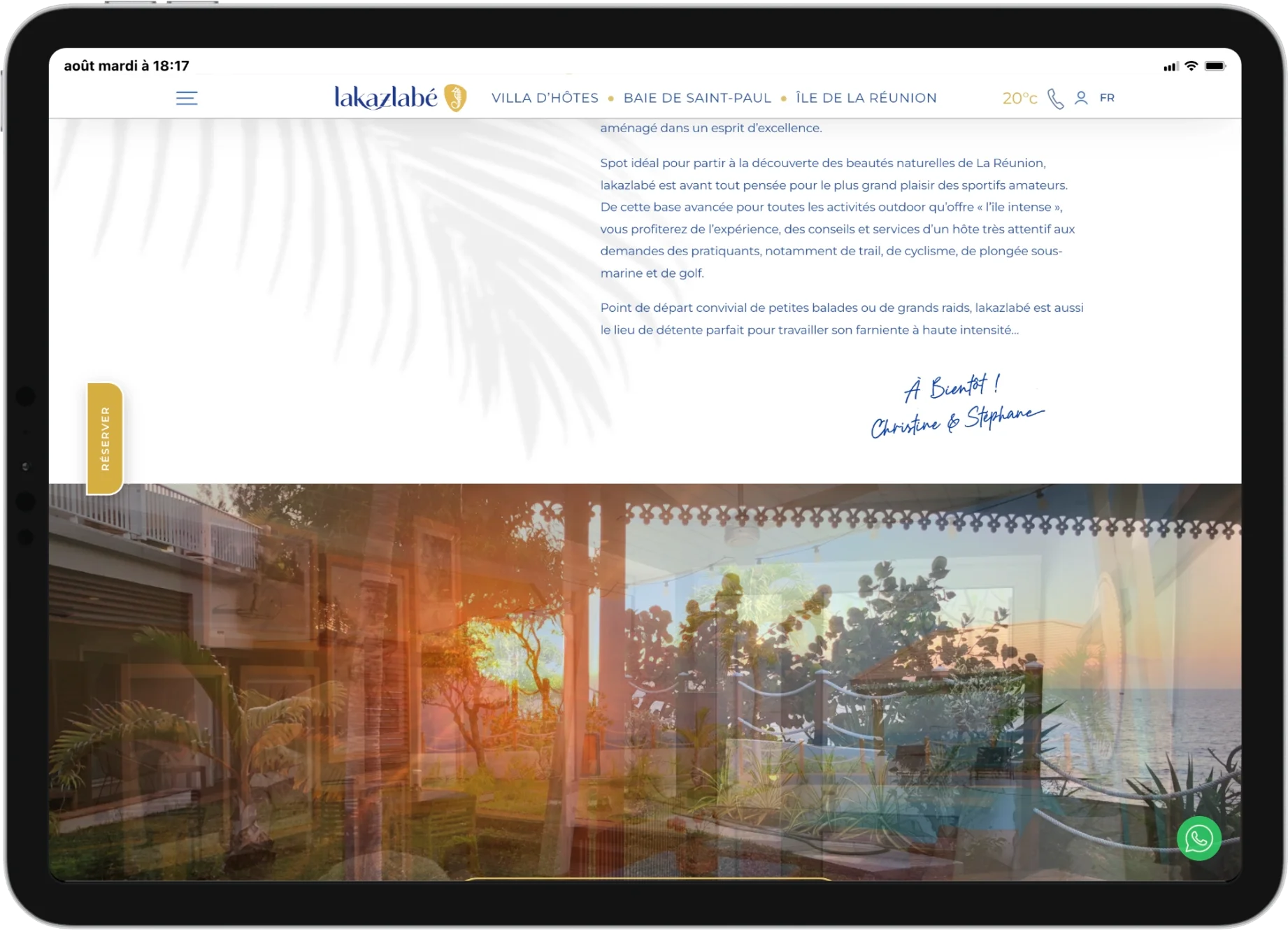
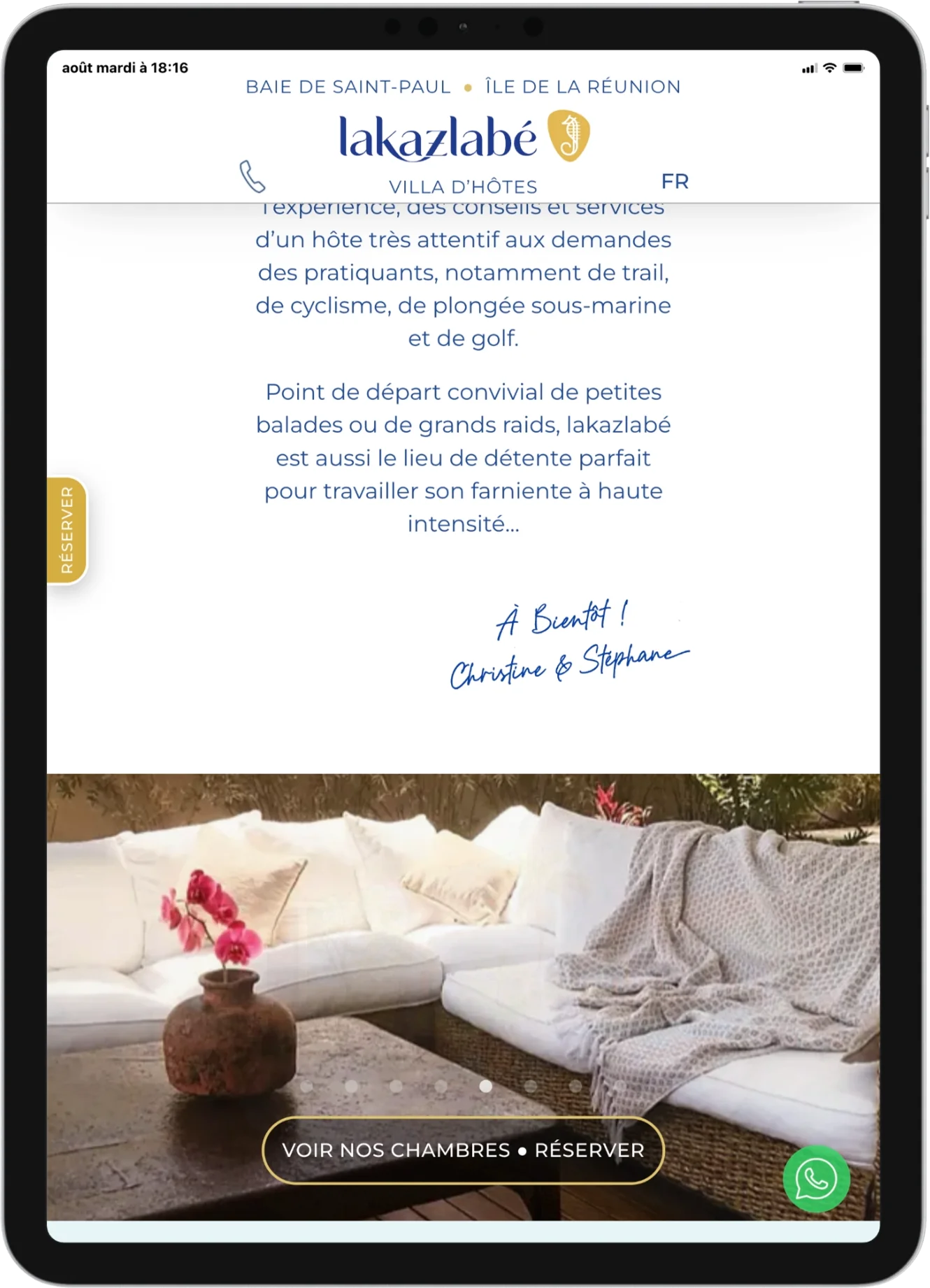
On certain tablets, iPad in particular, the button sits flush against the left edge of the browser screen when the tablet is held in portrait orientation, but it shifts to the right when the tablet is rotated to landscape.
In Sitely, the 960px landscape tablets layout is set to “automatically scaled.”
Is this a bug or expected behavior ? And if it’s the latter, a) why does this happen, and b) how can I fix it?
Thanks for your input
(Note: The WhatsApp button, on the other hand, is fully handled by JS, outside of Sitely)
I’ve has a quick look @Steph, and it looks like it is a bug with auto-scaling. I also see the issue in the browser. I believe the Sitely Team is looking into this, but it’s best for you to let @duncan know at feedback@sitely.app
And on your created website… You have done Sitely proud!!!
That’s a really good looking website and also feels the part. Well done!
Only one thing… I’m having trouble with your main menu on your home page? I can see it is clickable but it doesn’t fire off? It does work on your sub pages.
Thanks @FlaminFig for the kind words, that really means a lot coming from someone who knows their stuff.
I’ve cc’d @Duncan and I’ll wait for the next Sitely update. If the issue persists, I’ll rebuild that button outside of Sitely in JS, but that’s more work and takes more time (even though Claude AI is a huge help), whereas the whole charm of Sitely is saving as much of that as possible without sacrificing great design and performance.
As for the hamburger menu, I haven’t noticed any odd behavior on my end lately, but I had already flagged to @Duncan that they sometimes act a bit strangely and can be hard to track down. Please, could you tell me on which device and browser you encountered this problem?
Ok, I have had another look for you and I have the same issue happing with your home page navigation on Firefox, Edge, Chrome, and Samsung Browser (desktop & mobile).
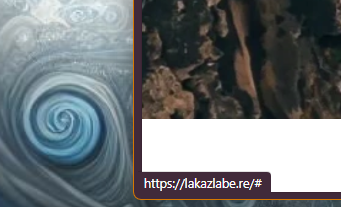
When hovering over you main navigation I get the following…
Indeed, when you hover over the Header banner title, there’s a link that takes you back to the homepage… but that doesn’t make sense if you’re already on the homepage . I’ll fix that.
And yes, the smartphone version is a “lighter” version, so there’s no hamburger menu, correct.
lakazlabe.re was created with version 5 of Sitely, so these “hover” animations were achieved outside the project by adding custom CSS. To do this, you first need to enable HTML ID customization in Sitely. It’s a major advantage that Sitely offers this possibility, even though this method can sometimes be touchy (and if it doesn’t work don’t go pestering Duncan! )
I believe version 6 now includes this type of animation directly, but this should be verified.
Oh Really? There’s no such thing in Animation > Hover Animation?
That said, here is my perspective :
Sitely is a tool with an amazing balance between results, simplicity, and the time it takes to use, with an incredible fast-start learning curve. By asking more and more of it, we risk seeing it transform into an excessively complex monster (Photoshop syndrome).
I would say that Sitely is to web creation what premium frozen food is to gastronomy: five minutes in the microwave, and you’ve already got a perfectly respectable meal—even if you can’t cook—and it’s ready in no time. Fortunately nothing stops you from pimping it up and seasoning it to your own taste. Of course, it takes a little extra time. But that’s where the chef’s special touch comes in, and Claude and Gemma make wonderful kitchen assistants!”



 . I’ll fix that.
 )
)

