Hi to all forumers,
i am sorry to bothering you with a silly question but… I can’t find a way out to do this:
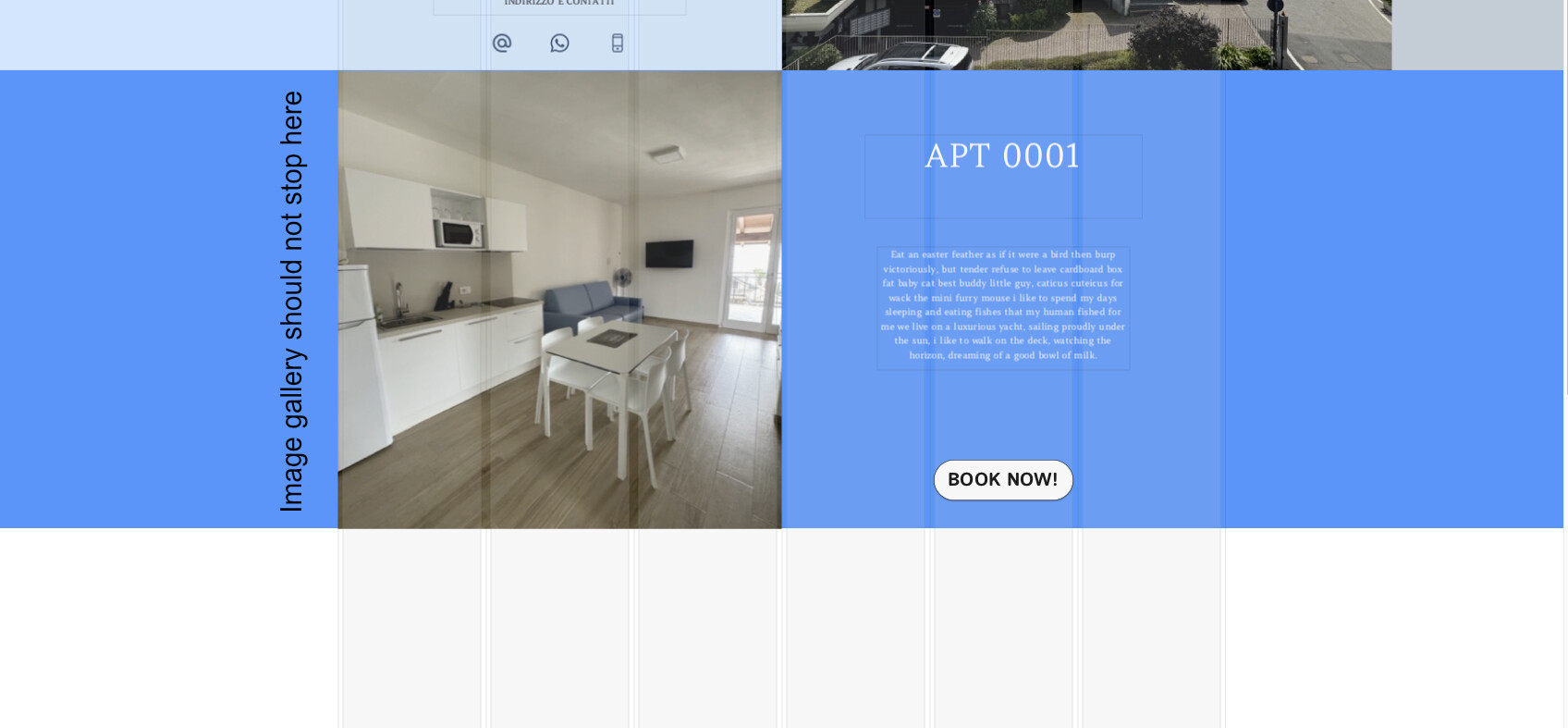
I am designing a landin page and I would like to place an Image Gallery that is full screen but… it has to divide the page vertically in half.
I attach a screenshot to explain better (sorry for my poor english).
Thanks a lot for every help you could proved to me!
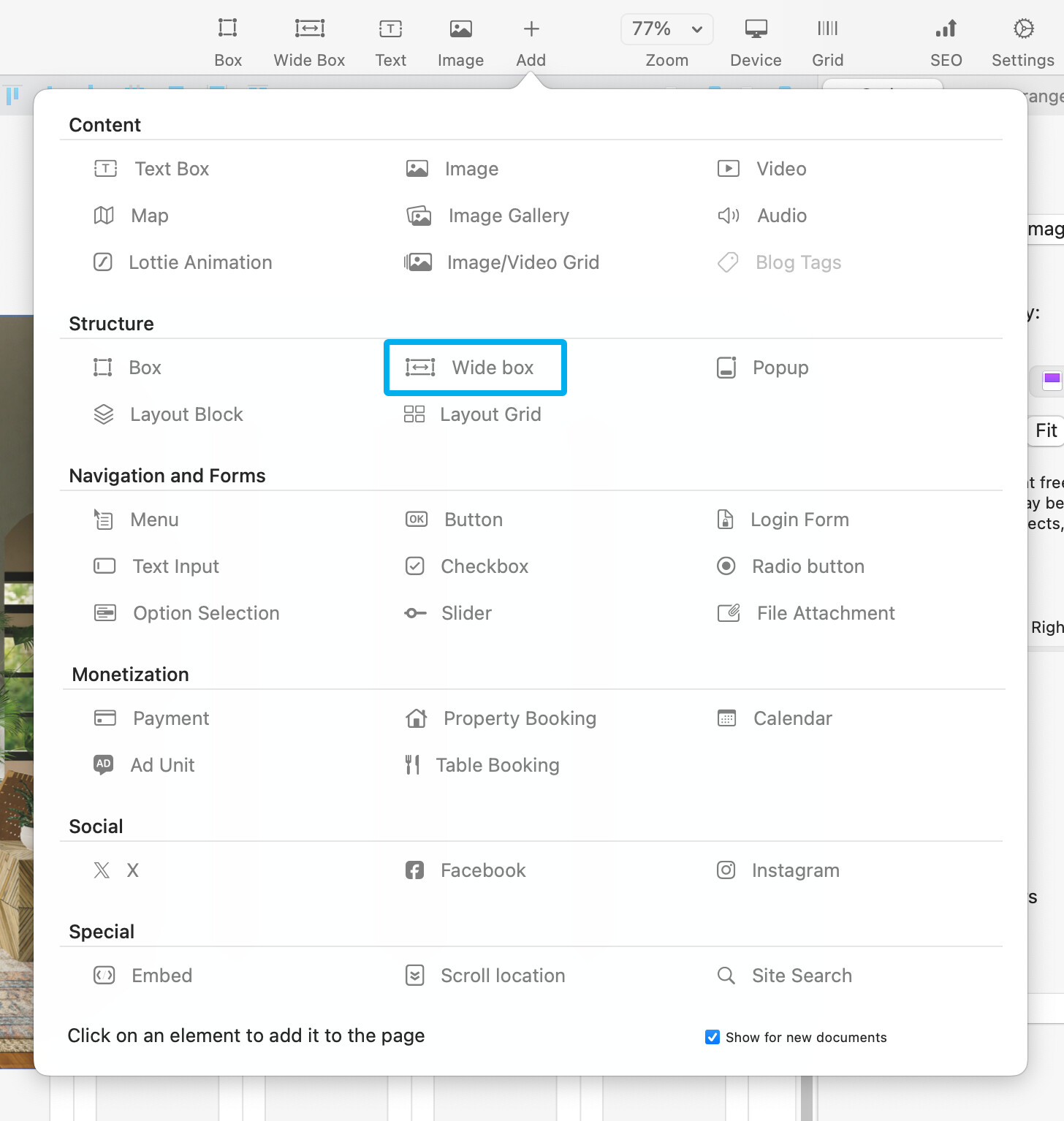
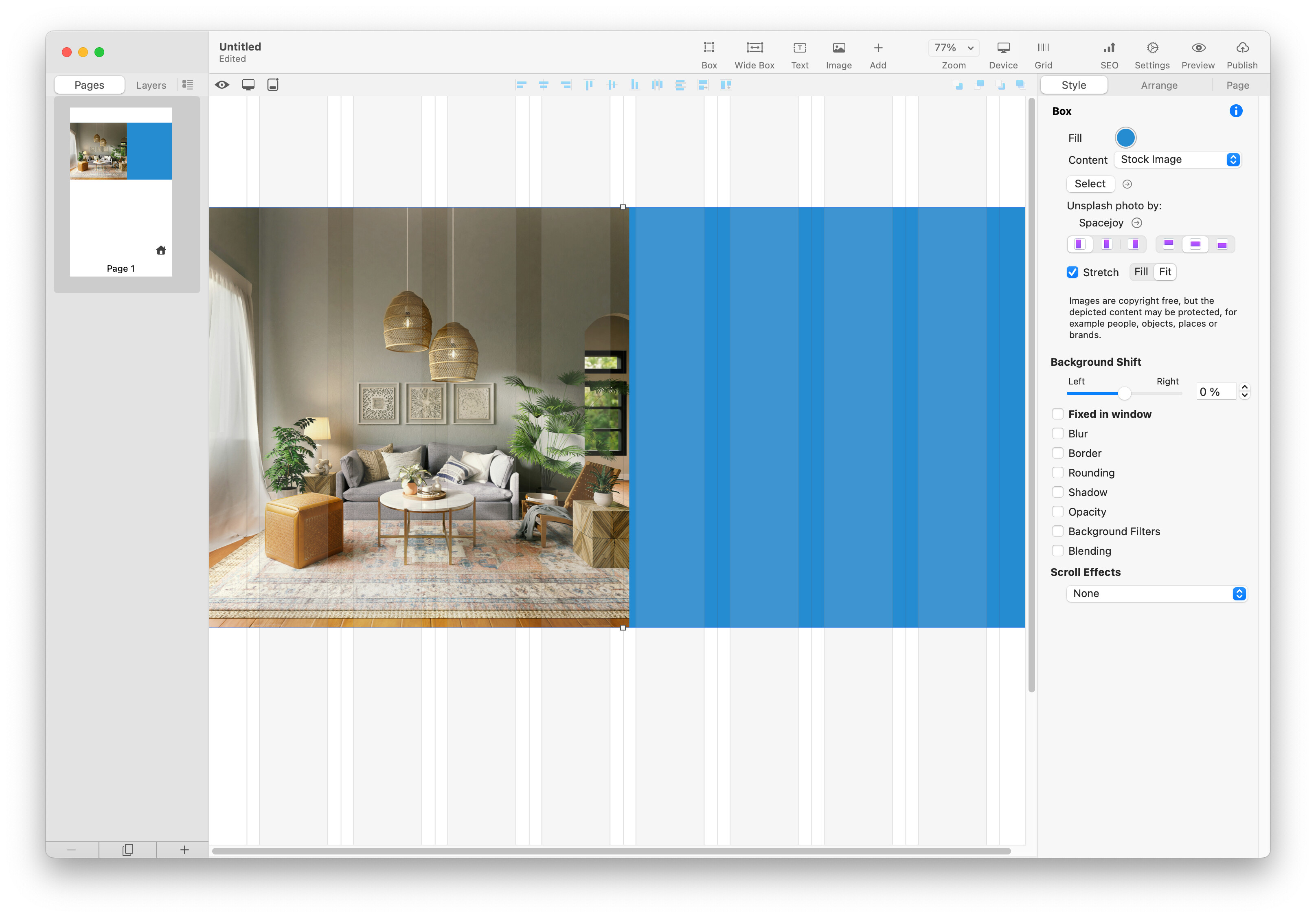
The image gallery does work when placed into a wide box. You simply have to resize the gallery to cover half of the screen and, ideally, set the images to fill the gallery. The wide box can then have any background colour applied that will stretch across the browser window. You could also use a layout block instead of a wide box. By doing that your split screen element, including the gallery, text and button can be moved up or down the page as a single element.