I am trying to set up an FAQ section on my website by using the accordion. I have used this in the past, and all was well; however, this time, I can not fathom out what is happening.
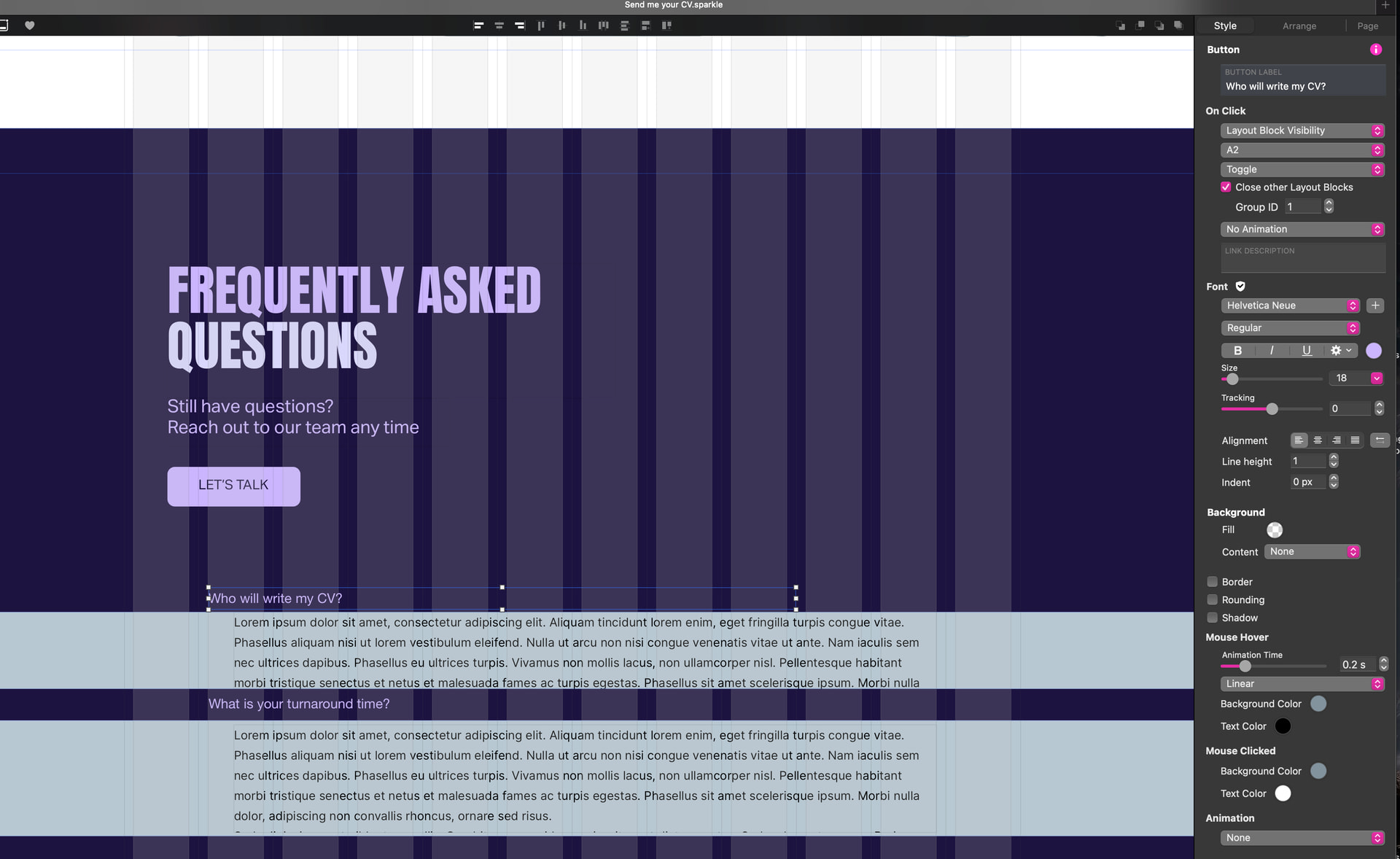
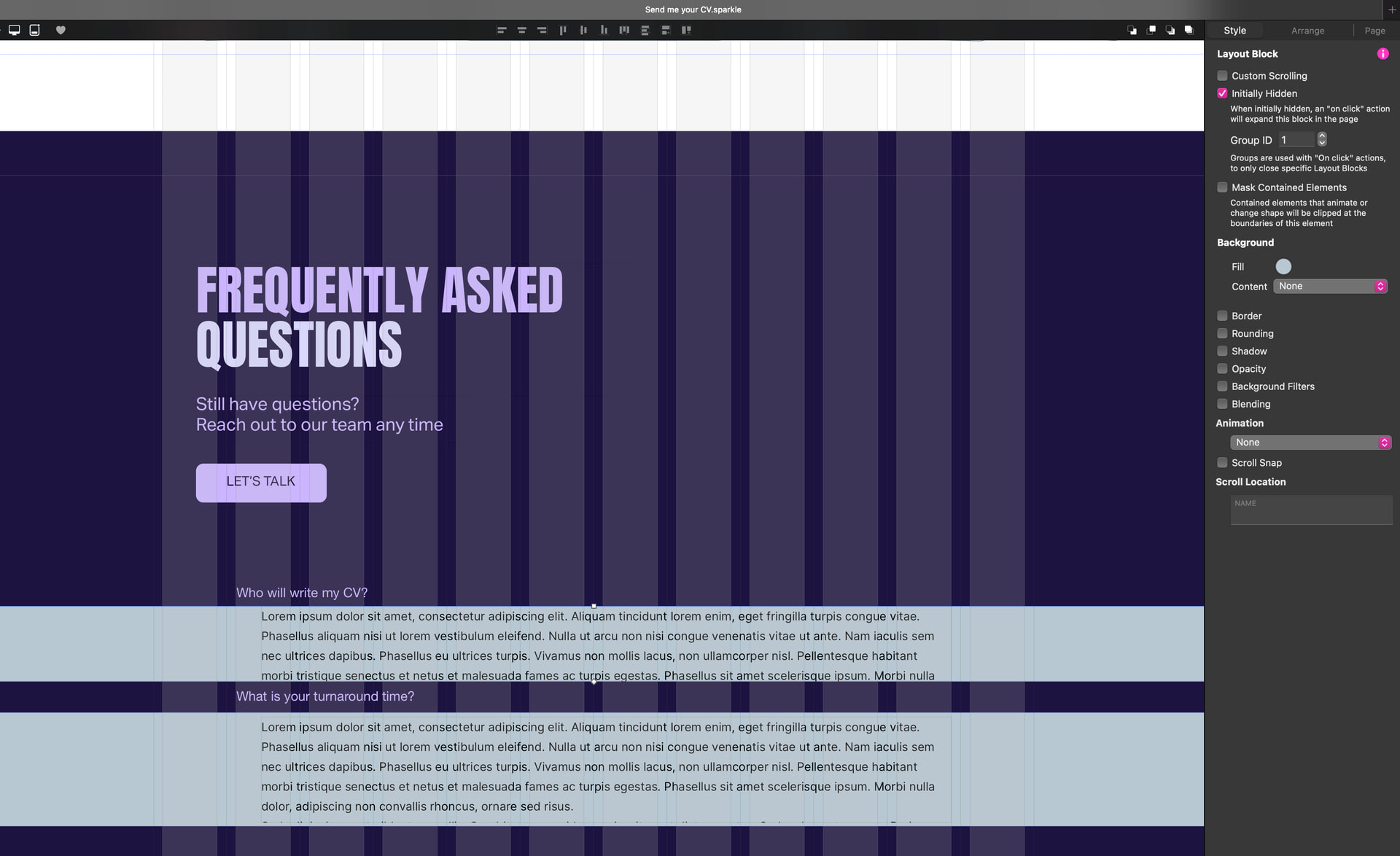
Initially, I set up two sample questions and labelled these Q2 and Q3. I then added the answers just below the question in a layout block labelled A2 and A3. I set them all up correctly (or so I think), i.e having the layout block initially hidden and giving it a group ID, and setting them to toggle, etc…
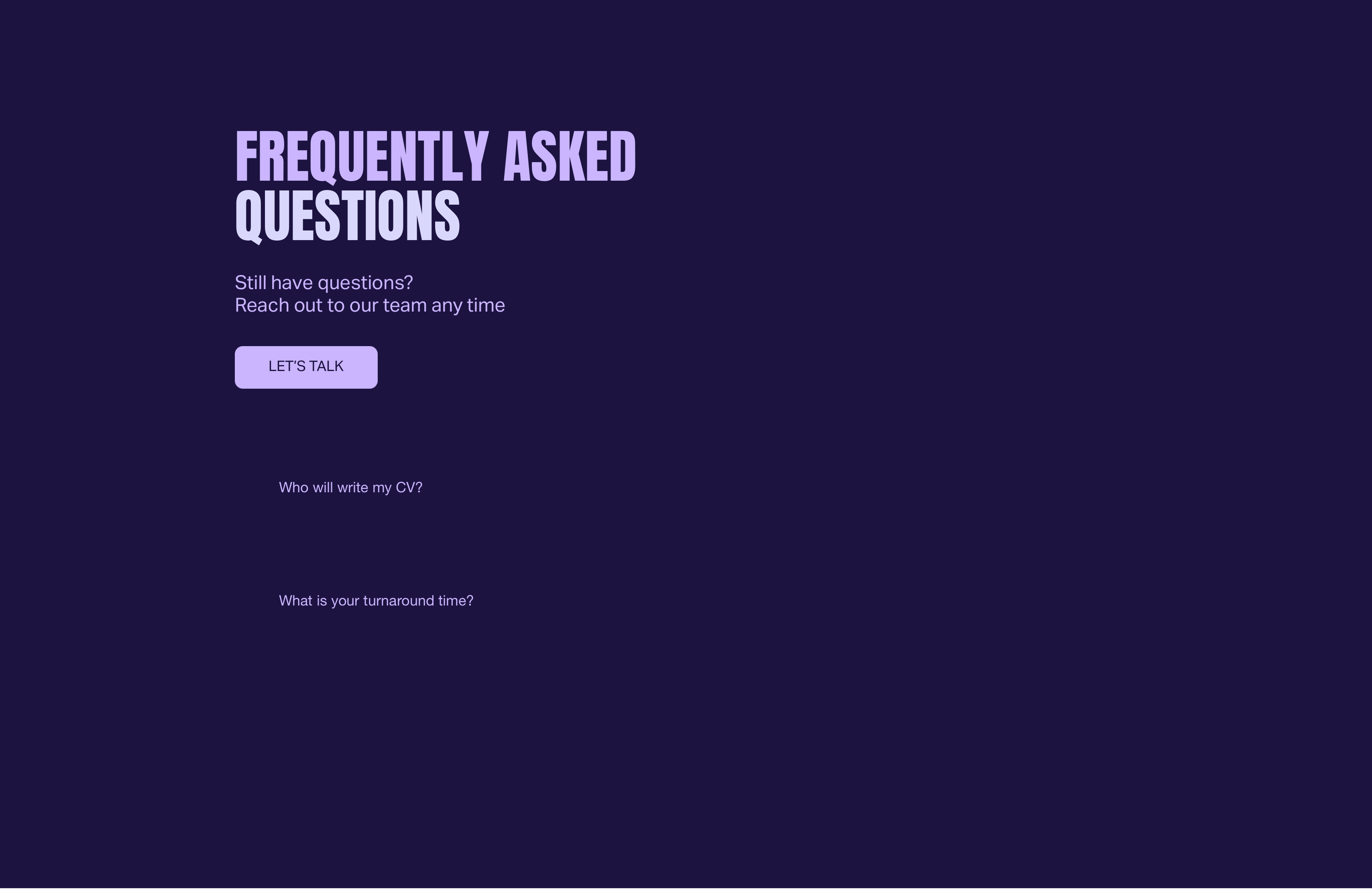
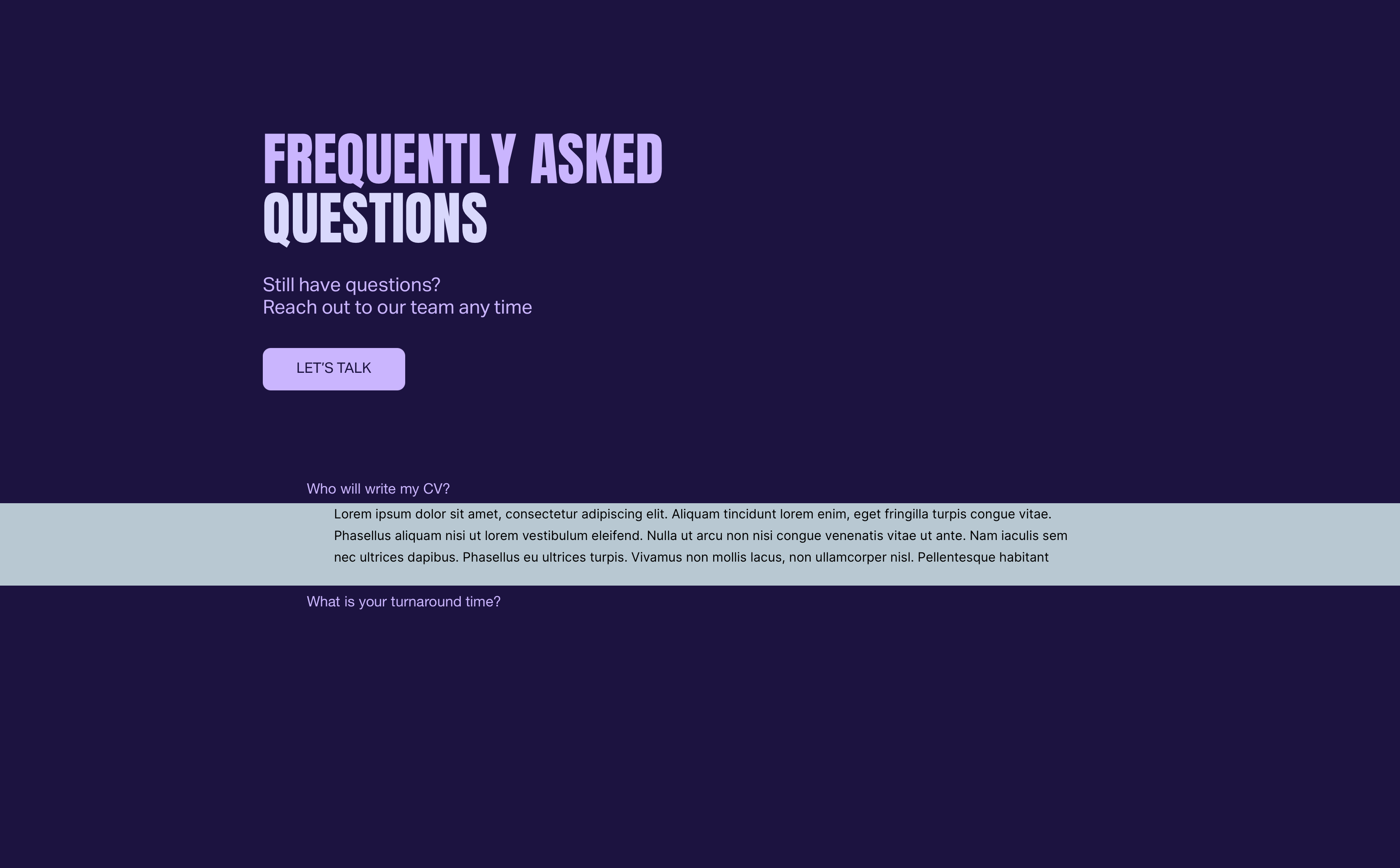
However, when I preview them, the first question has a large space below it before the second question. When I click on the first question, it opens correctly, but when I click on the second question, it opens up higher on the screen than it should and totally covers the question I have just clicked.
I can not see what I am missing. I have included the screenshots of my settings and how it is behaving.
This behaviour can be caused by a number of issues, particularly positioning of the elements on the page. In many respects, it’s often better to use popups instead of block visibility. By doing this you can position your answer popups directly adjacent to a list of questions and have the popups highlight the selected question by partially obscuring the other questions in the list. This option keeps your page content tighter and doesn’t rely on elements expanding the page. If you need guidance or an illustration of how this can be done, please feel free to ask.
Hi @Stephie, thank you for your quick response. I would be interested in another way of doing it with the popups, if you could show me an example? However, it is frustrating that it is not working as it should. As I mentioned earlier, I have had it working pretty well in other projects I have completed.
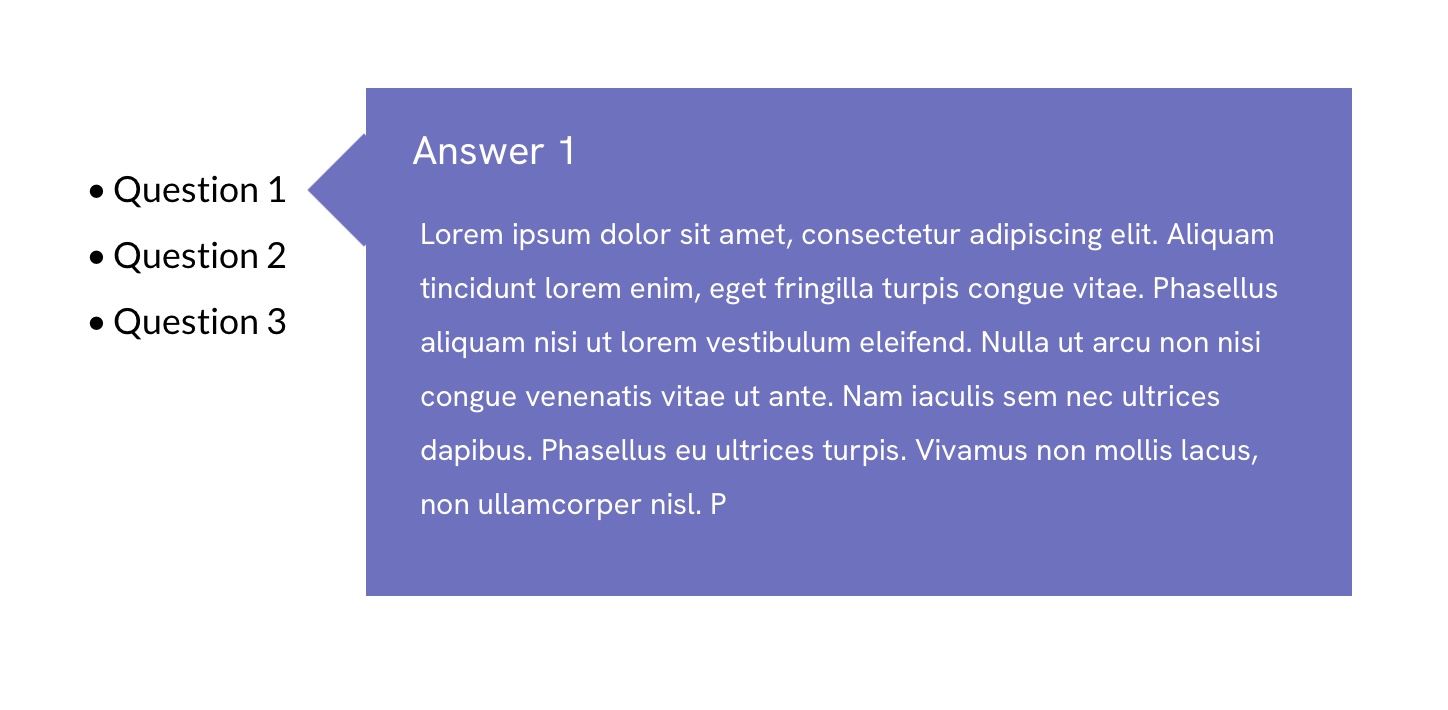
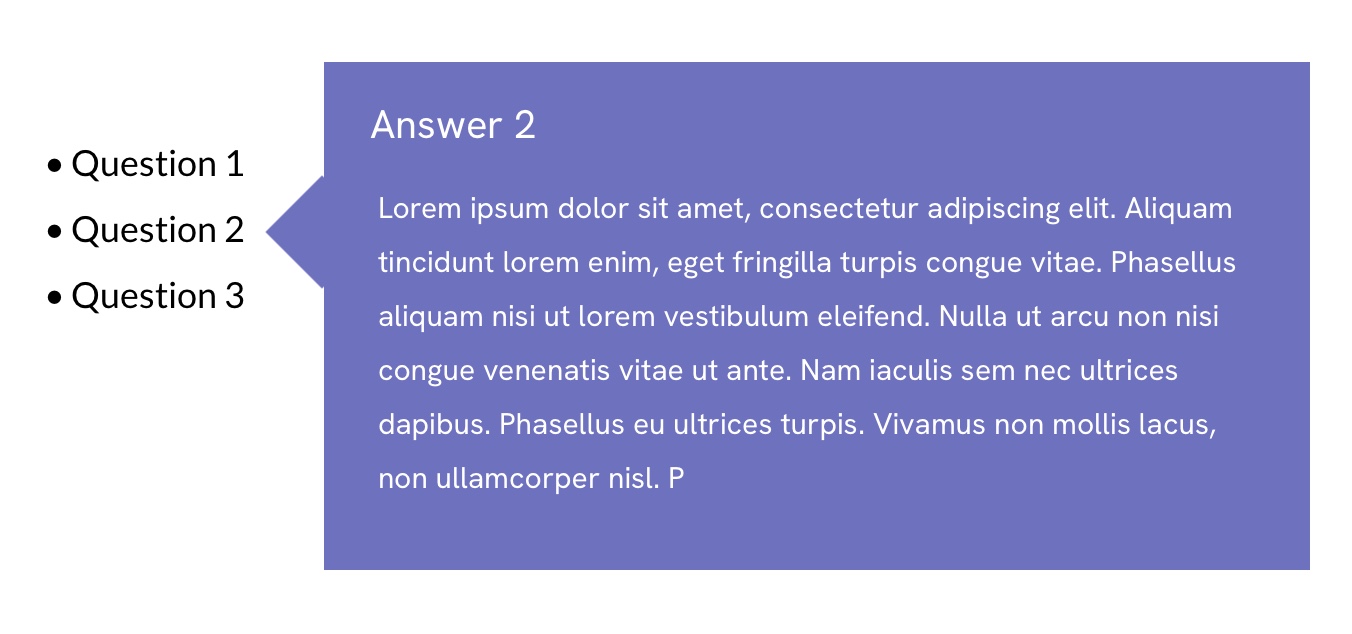
Here are a couple of screenshots showing how popups can be used (more predictable)
In this example the list of questions was created in a single text box - Each question is a text link that opens a popup. The popups themselves are created on a transparent background and contain two standard boxes - one for the background colour and one for the pointer (standard box rotated by 45 degrees and grouped with the background box- The popup is then positioned to point to the relevant question being answered - Once you create one popup. you can simply duplicate it and edit the content - also moving the rotated box down to have it point to the next question. Because the popups all have the same group ID. only one popup can be seen at a time. So. clicking another question closes the previous popup and displays the next.
Not to steal @Stephie thunder, which is a great solution!
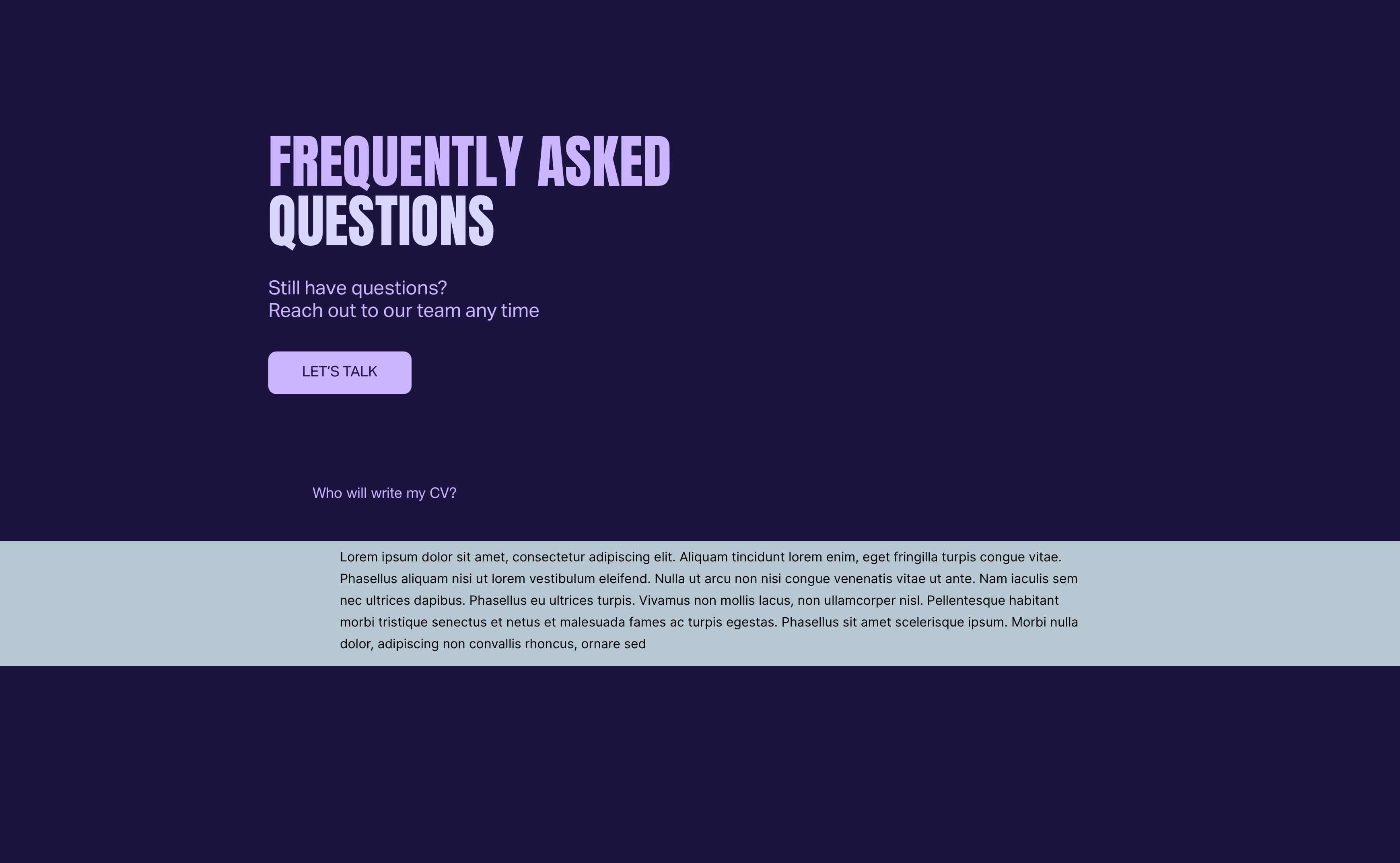
Accordions are great on desktop and tablet, but they get somewhat awkward and fiddly on mobile. As suggested it is always a good practice to keep the answer as tight as possible with the question. Keeping that in mind I created a slightly different version, more to show how diverse Sitley is when it comes to solutions!
Mini-Blocks FAQs Transition // If you reduce the width of the browser window then the mobile version will appear.