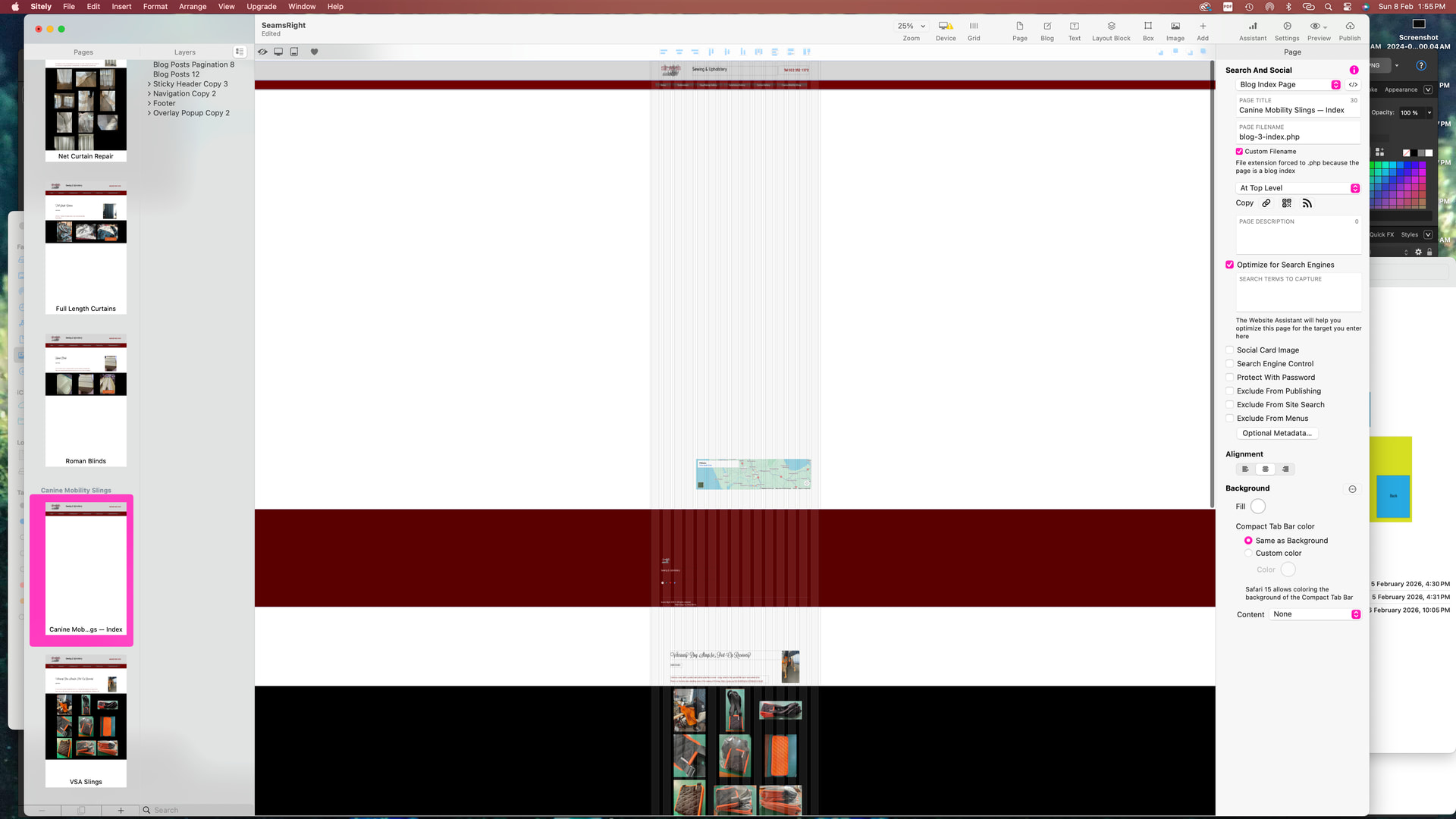
So I’m working on a multi-page document. The header and menu bar were at the top of every page when I saved the document last night (which I’ve been working on for multiple days). This morning, I’ve just opened the document and these items which show on every page (the logo in the grey strip and the red stripe menu) are in different places on every page… what is happening here  . I’ve included a screenshot of the “pages” at the left to show how the items are moving themselves.

UPDATE: I just moved the two header blocks back where they should be, and on one page it has duplicated itself three times (a page I didn’t even go to). I’ve included THIS picture to show this.

Also, I have multiple blogs used as a gallery. One of them will not add the posts to the index page, but the others do it perfectly. Am I doing something wrong?
Thanks all, I’m using V6.06 but not the Pro Version - I had 5Pro and it upgraded to 6.06 non pro.
Further update : now the footer is doing the ‘move things around’. I don’t know what the heck is going on. Screenshots to show - first - what the footer looks like.
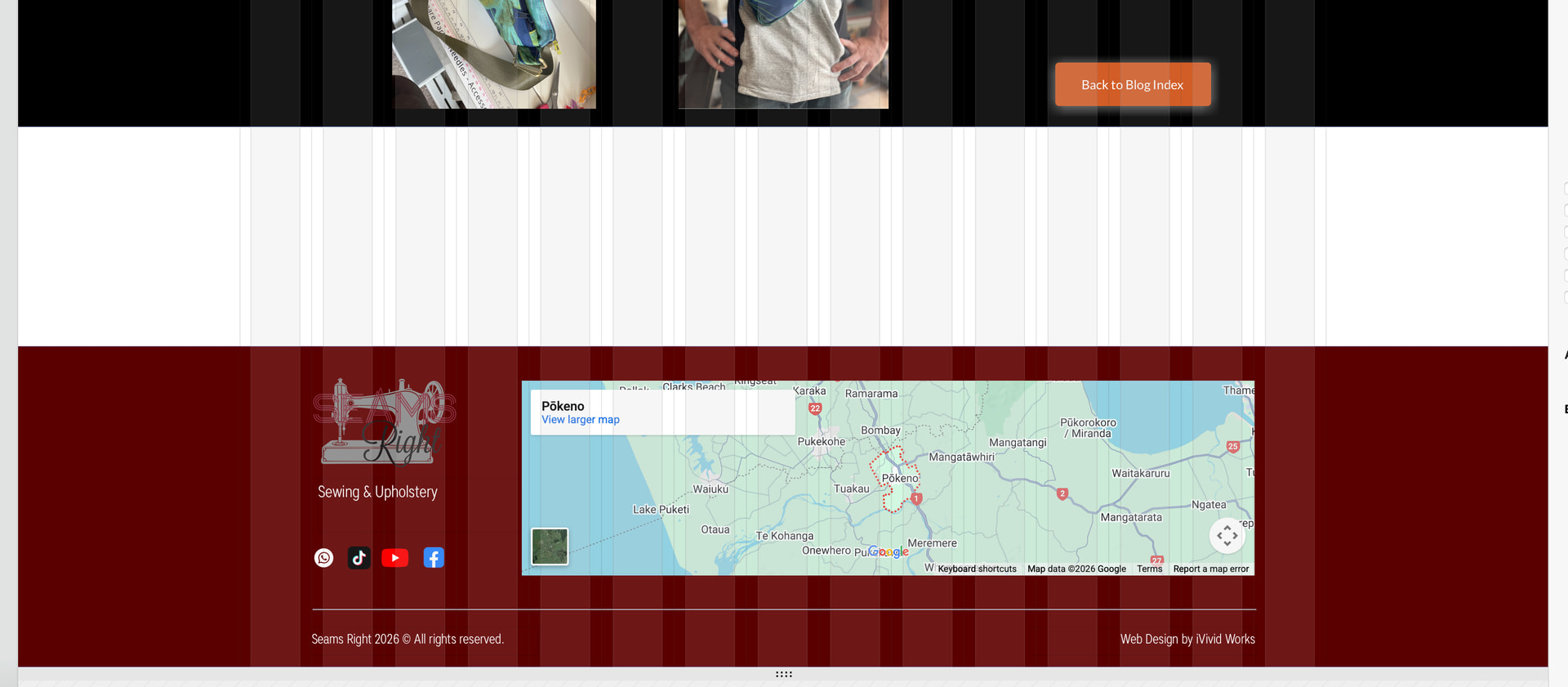
Made a new page - and what the footer looks like on that page… which contains some of the items on the page duplicated down the bottom. Photo also included of the top of that page. Somehow I’m getting all these items duplicated and screwing things up. I don’t even know what to do now.
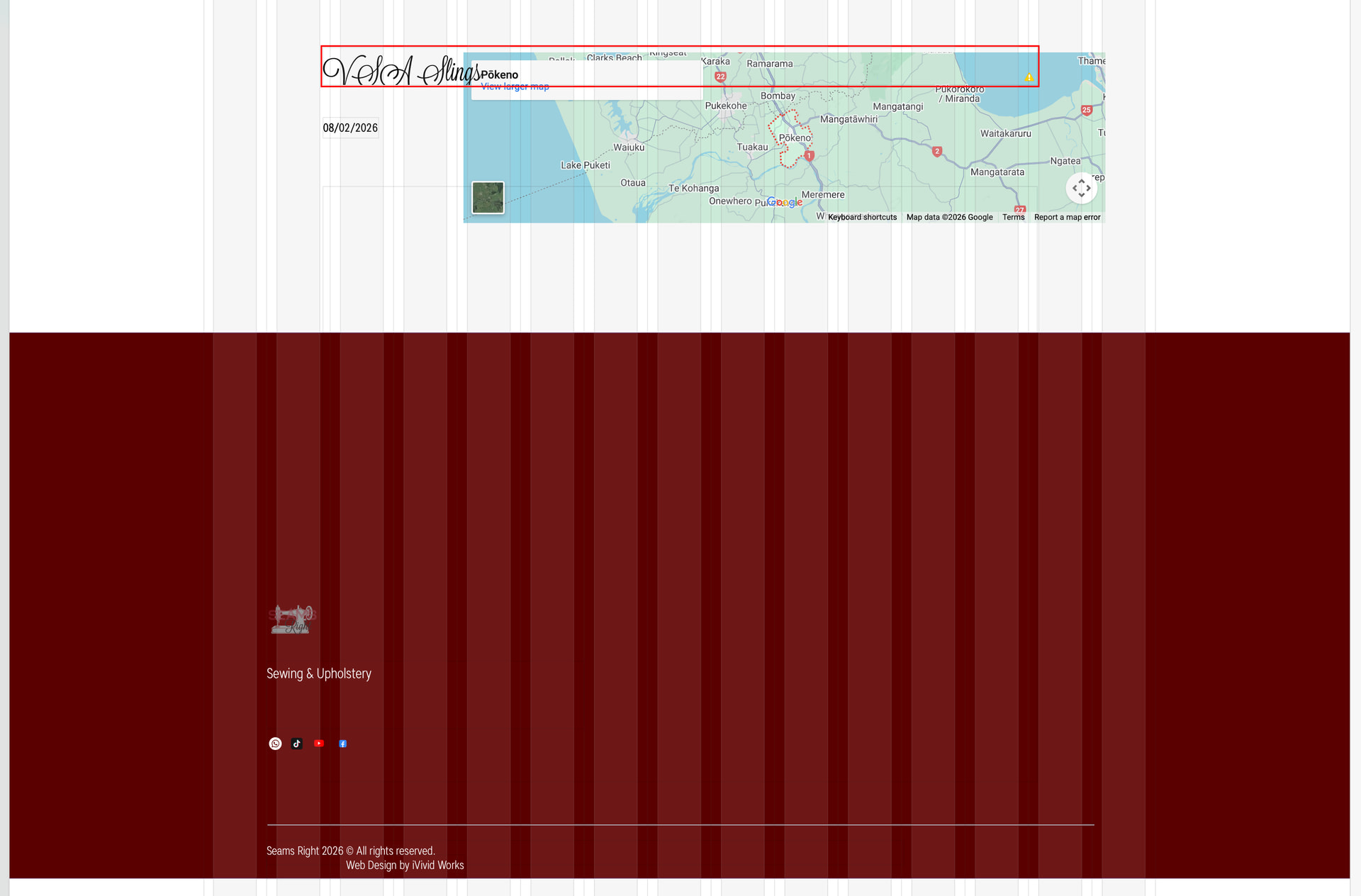

Despite only adding one blog post, this is what my index page looks like now.