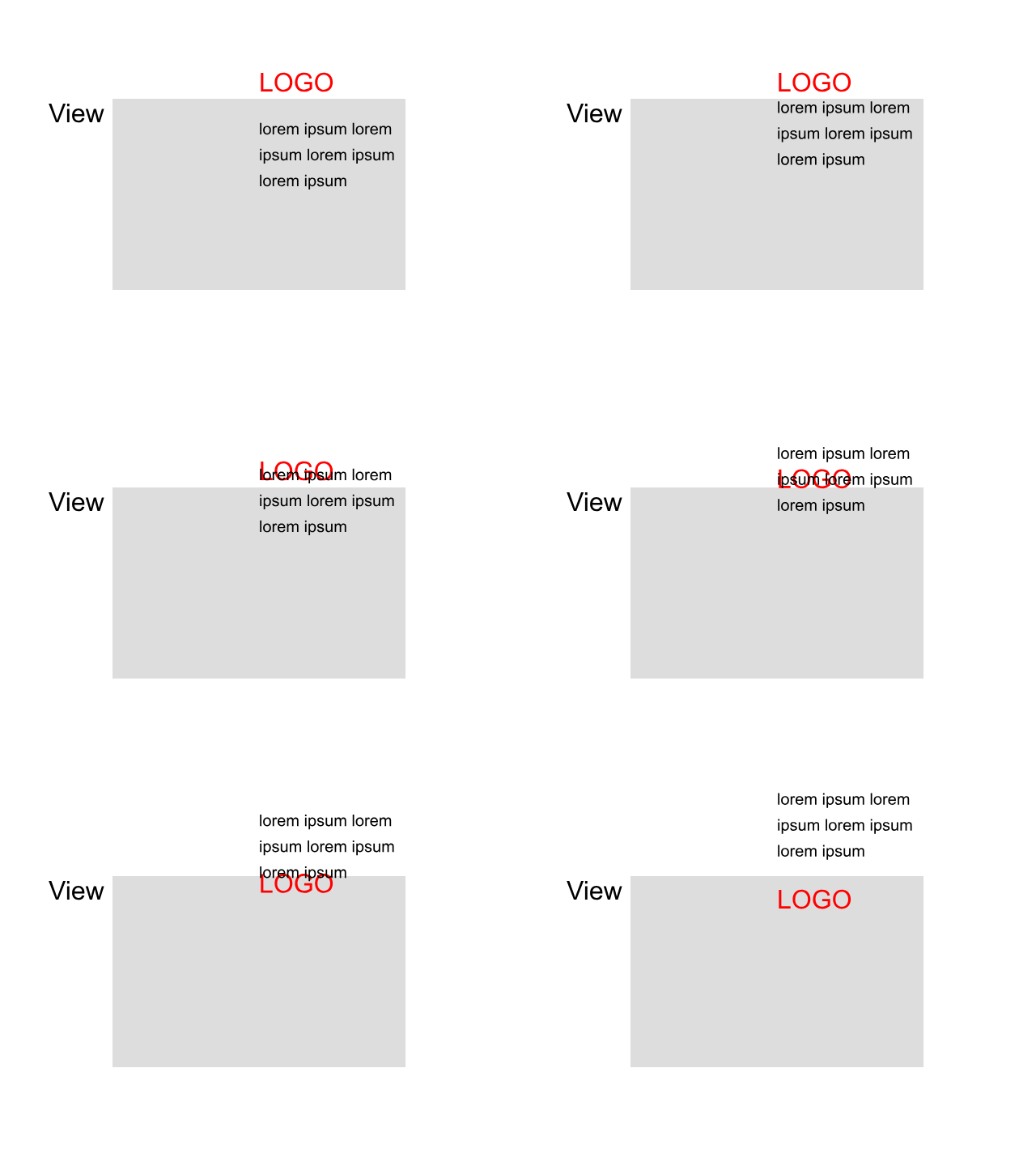
I would like to use the animation panel for moving in the logo or text from outside the browser after I have scrolled f.e. 800 px down. I can’t figure out, how to do so, as this element to be animated needs to be invisible somehow before the scroll, but I can not move it to a value = (-y px). I don’t want a fade in to be precise. See the gif-demo below
Having text slide in from the left or right of the browser window is possible. If memory serves me correctly you would place the text in its final position and then use the animate option to have the element slide in from the left or right. (Or top or bottom). This usually happens when the element first comes into view. This option sets the origin at the browser window edge. You can also achieve this effect by placing your text in a popup (preferably with a transparent background) with this option you would animate the popup, and I think you can specify an exact point in pixels when the animation occurs.
Hi and thx.
In my case as shown in the example I would like to have it appear from above (see the red logo)
Give it a try as I’ve described. If you can’t get it work, I’ll post exact instructions for both methods.
1 Like
Thank you. The idea with the popup is clever and I tried it. Unfortunately the positioning is quite unpredictable when I test it throughout the breakpoints and it needs adjustments.
I will think of a different solution design-wise.
I appreciate your prior input. Thank you.