When I publish a webpage in Facebook, it shows the title of the page, but also a short preview text of the page. How can I control this content? This also happens in a search result in Google. Do I add something in Sparkle to type my own text that I would like to see?
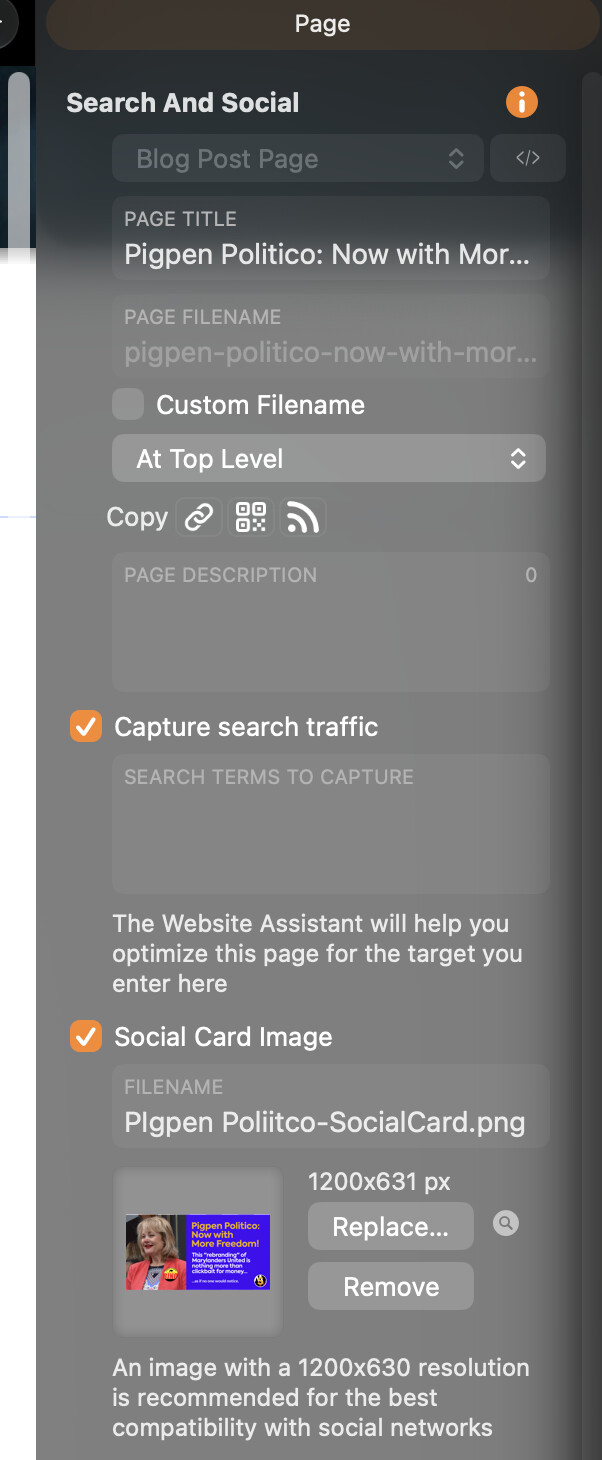
For Facebook you can turn on the social sharing setting in the site settings, that fill make sparkle produce the metadata Facebook expects, the text comes from the page description, the image can be chosen in the page settings.
If the page has already been shared on Facebook you might need to clear Facebook’s cache of that information (or wait for it to expire). This can be done manually from the open graph debugger.
Google very rarely shows the page description, most of the time it will show an extract of the page that matches the search query.
The open graph debugger does not work for me when trying to post a preview of my Sparkle site.
I keep getting this message: ‘The following required properties are missing: og:description, fb:app_id’
While the preview shows a version of my site that has been out of date for at least a year now - I would very much like to get this fixed as my site content has been significant;y updated.
I’m on a Mac, Big Sur, Safari and latest version of Sparkle.
your home page is missing a description, so that’s the reason for the “og:description” error. fb:app_id can be ignored.
The preview image is what you entered in Sparkle (home page settings, sharing section). You can change the image there. I suggest a 1200x630 pixel sized image.
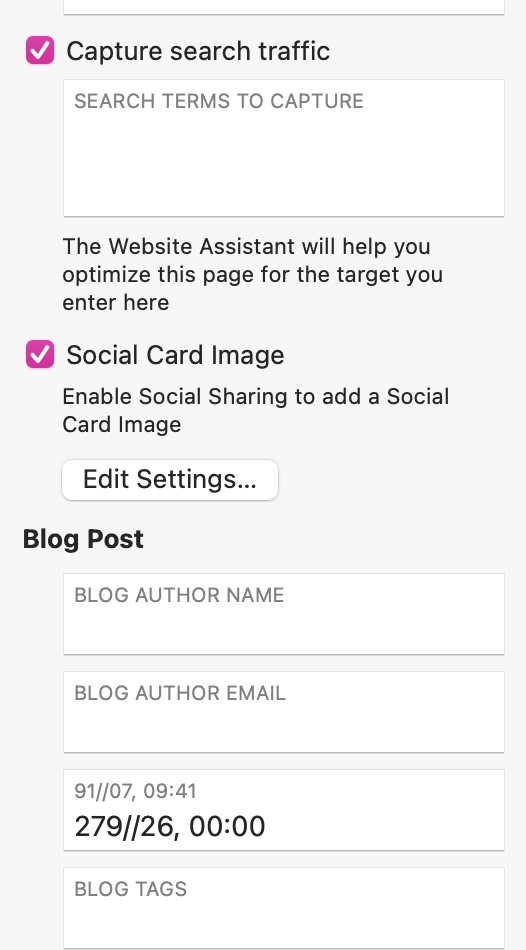
I do use the Social Card image, but in order for it to show on FB, you have to add OG elements if you are going to link to the website. That would require the ability to modify the section on the page. That area (with </>) is grayed out on the blog pages, so I cannot make custom HTML adjustments.
Best of my understanding, I can’t do that from the blog entry page.
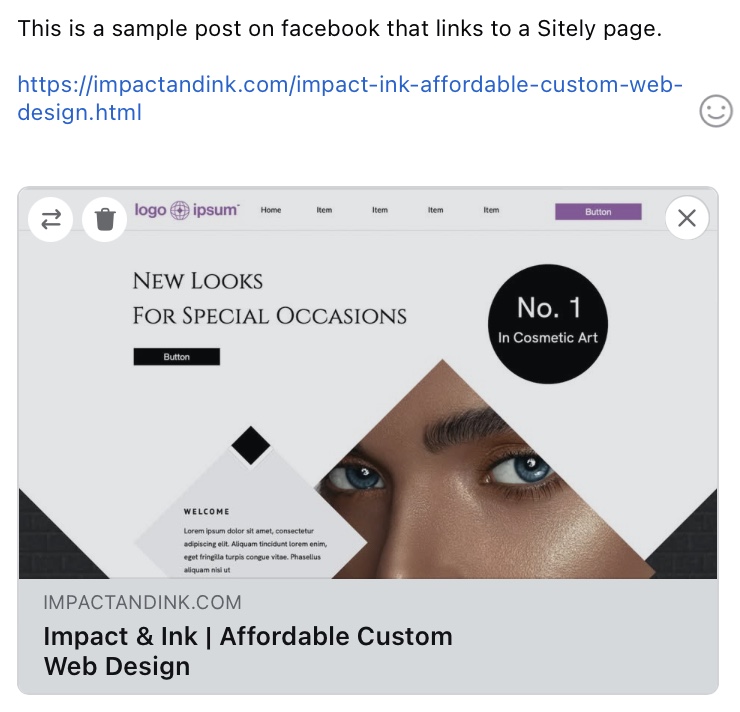
@TomJr - From my own use of this feature, I’ve never had an issue adding links to Sitely pages (normal pages or blog pages) in a facebook post. The OG information used by facebook is usually the Page Title, The page Description and the Social Card. Here is a facebook post I created that contains a link to one of the pages in my website:
You will notice that it adds the Social Image for the page, and the Page title - However it isn’t displaying the page description. I suspect this is just facebook deciding not to display the description - it’s certainly not an issue in Sitely.
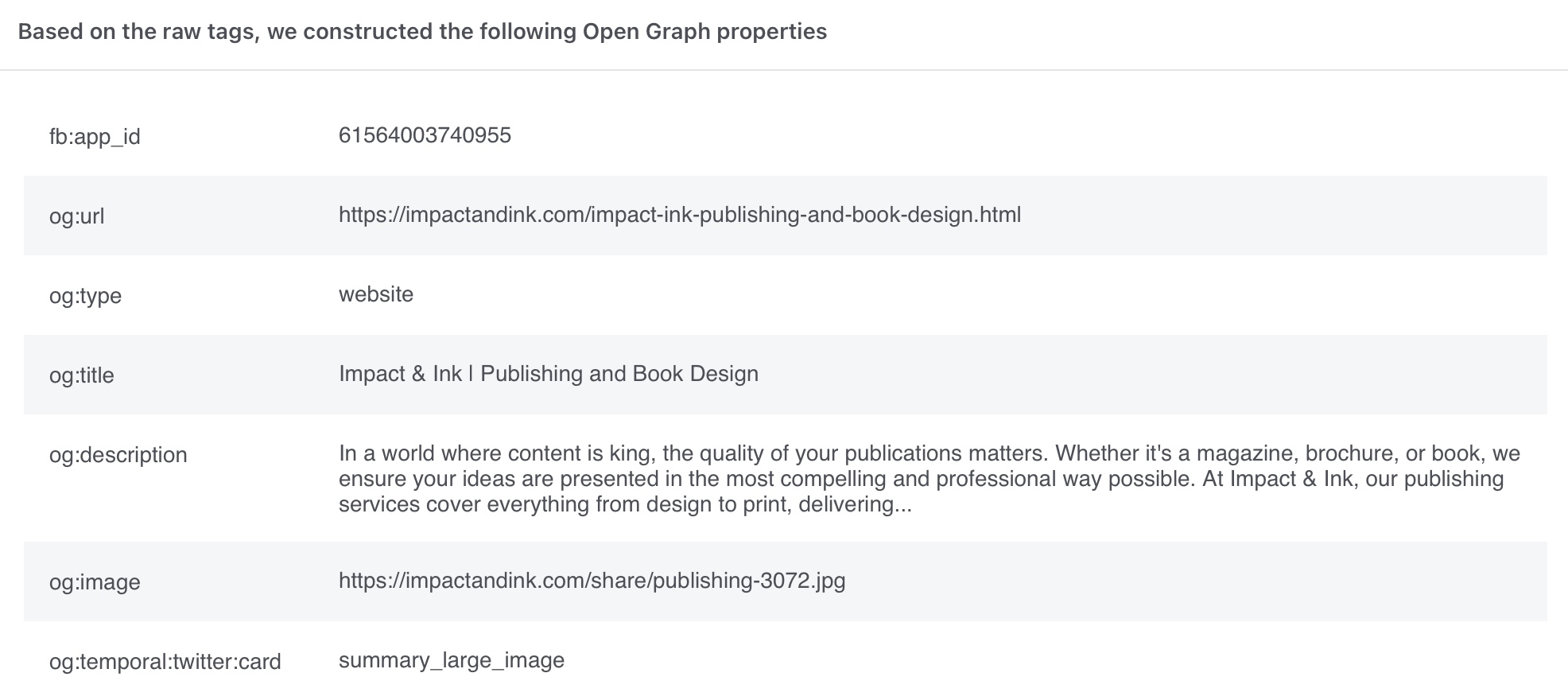
To emphasis the point, I ran a facebook check on the page in my example post and it clearly shows that Sitely has placed all the relevant Open Graph elements in the head section of the page:
So, the fact that the og.description tag isn’t being displayed on facebook must be a decision of facebook.
as a consequence, you don’t need to add any additional head code to your page - Sitely already adds it. The issue is that facebook is being a little selective about what it’s choosing to pick up from the page to display.
If you want to check your own site pages, use this link:
Yes, that does work fine…for the main webpage. Not the individual blog posts (at least for me)
If I send a link to a blog page to an individual to post on FB, they tell be they do not get the social card associated with that post. So I’m stumped on that.
The workaround for me was to just create a new FB page, and populate it with the blog posts there. Users/viewers can then share the link, and the social cards operate as expected.