Hi, im having issues with a site of mine, when I preview the scroll locations in silty it works fine each location going to where it should. when I publish it and check it on safari it does not and the same for google chrome. im not sure whats going on at all. as I say working fine while editing the webpage. after publication the scroll locations stop working. www.pschedelictoadstudios.com
I cannot load the site. 
The scroll locations seem to be working fine (with Firefox) at https://psychedelictoadstudios.com/
Note your typo in the link you gave.
on my firefox, the scroll locations are in no-mans-land…
I know @Ezubby I might be stating the obvious, but…
Have you rechecked where all your Scroll To locations sit on the canvas? I’m also noticing that when I click on your navigation to move down the page your URL doesn’t charge with a “#name-given” on the end.
Please also check your massively long blue section that is nearly all empty space.
I tried with several browsers. To me it looks as if your scroll locations ar not at the correct place. They don’’t move. if you change something, e.g. extend the colour box. I would just go back to the page and check if the scroll location bars are really where they should be.
I have lots of scroll bars on a list and they work perfectly, but when I insert a new line, I have to adjust the scrollbar manually.
Hi All here are where the scroll markers are, and they work perfectly fine while editing, they seem to break when I Upload to the site..
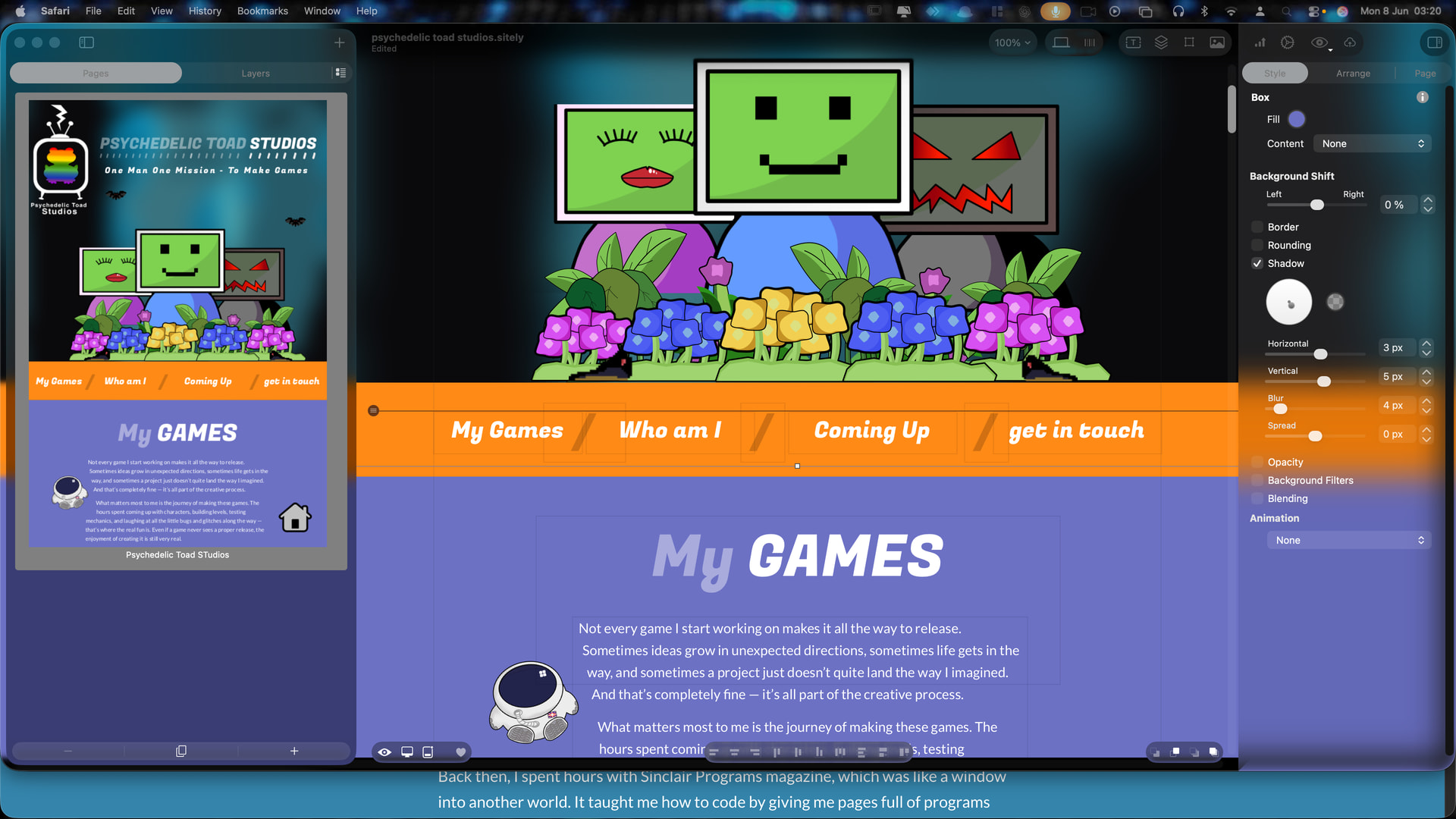
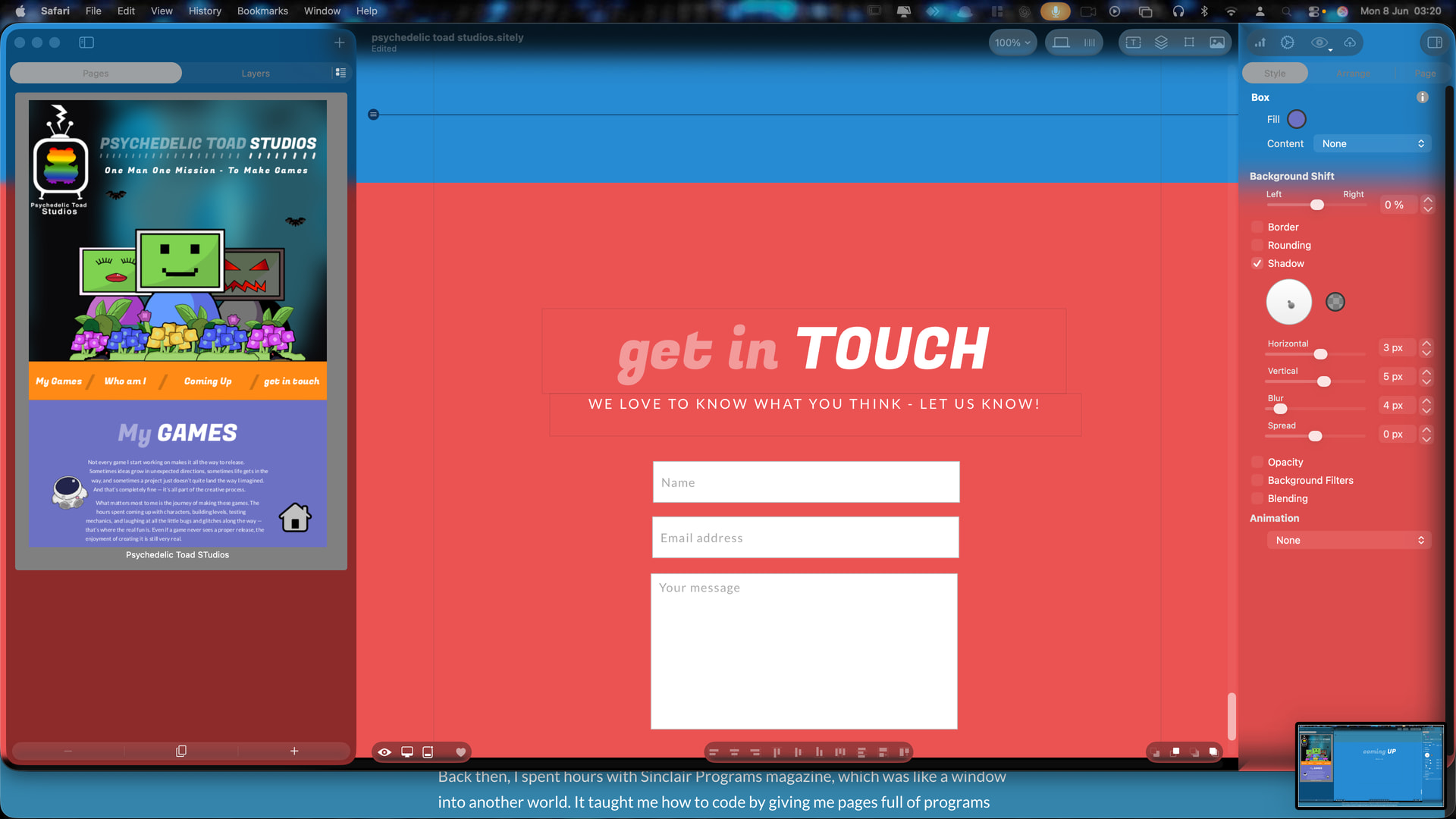
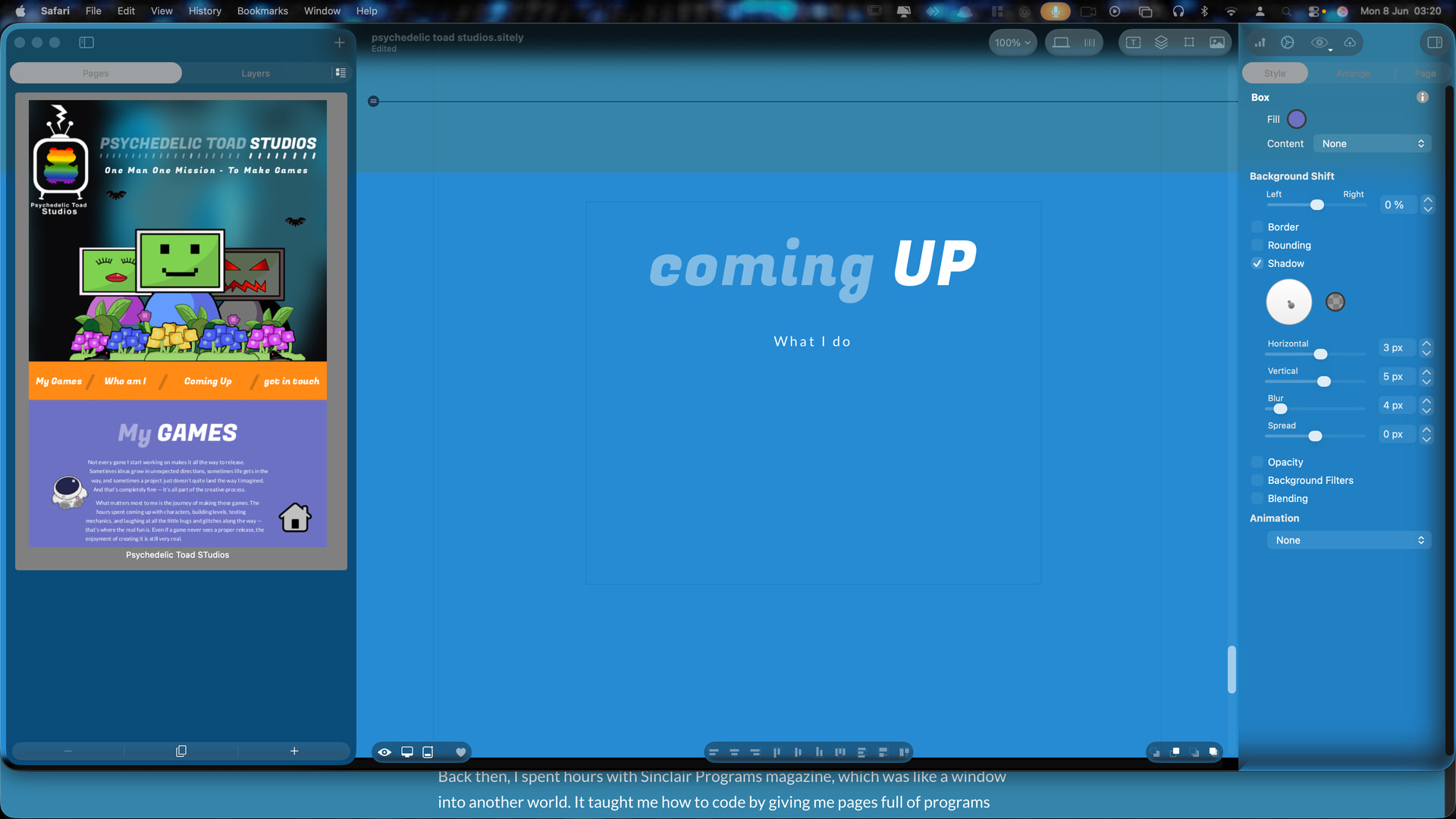
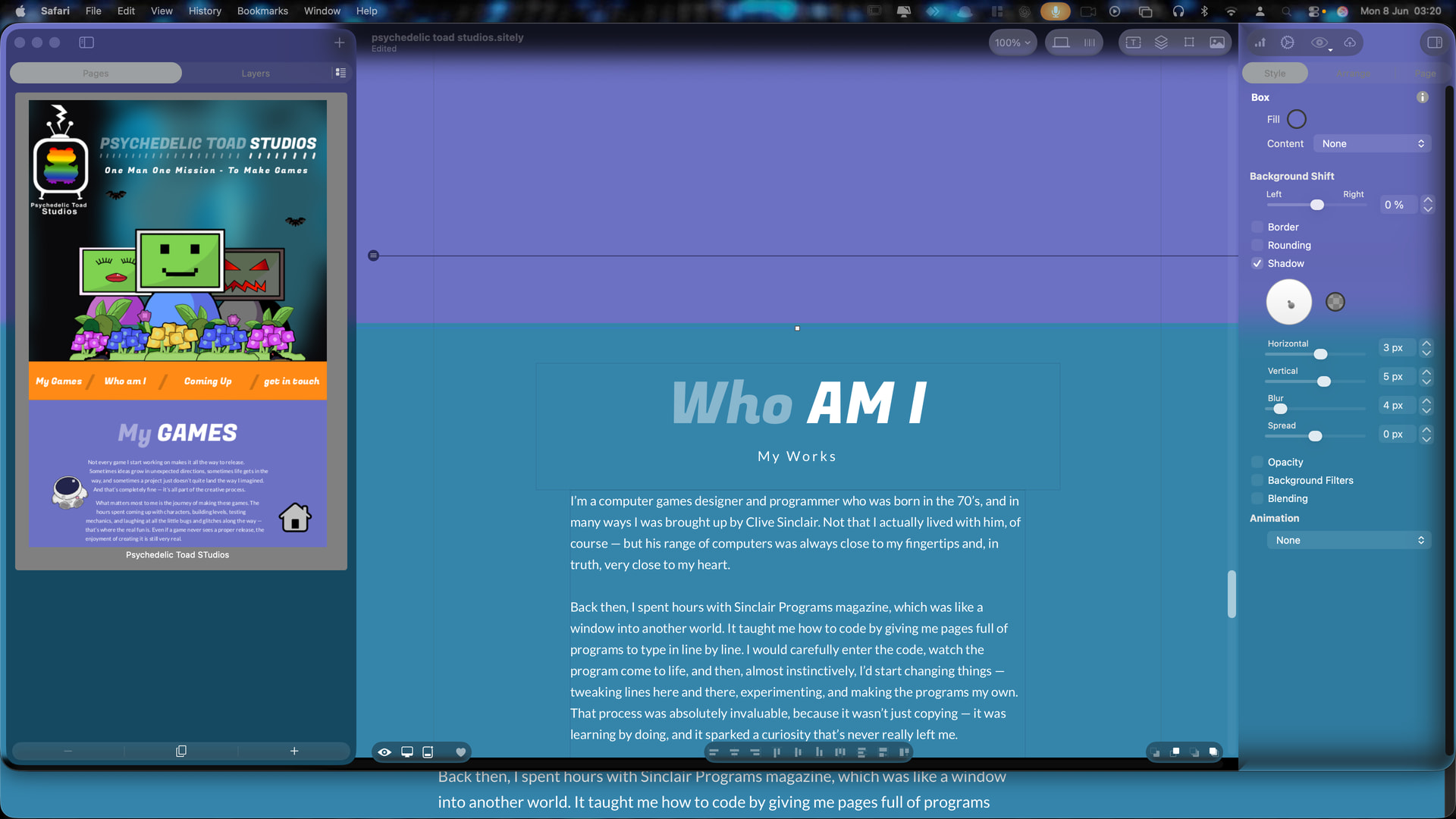
Ok, from what you have screenshot (thanks) things should be working correctly for you @Ezubby on your end!
Maybe the best thing now is you get hold of @ducan and let him know about your issue including the sending Duncan of your project file, explaining your situation.
Just to let everyone know the new update seems to have fixed my webpage and one I uploaded after the update was applied its now working as intended. Thanks for all your efforts.