Hello,
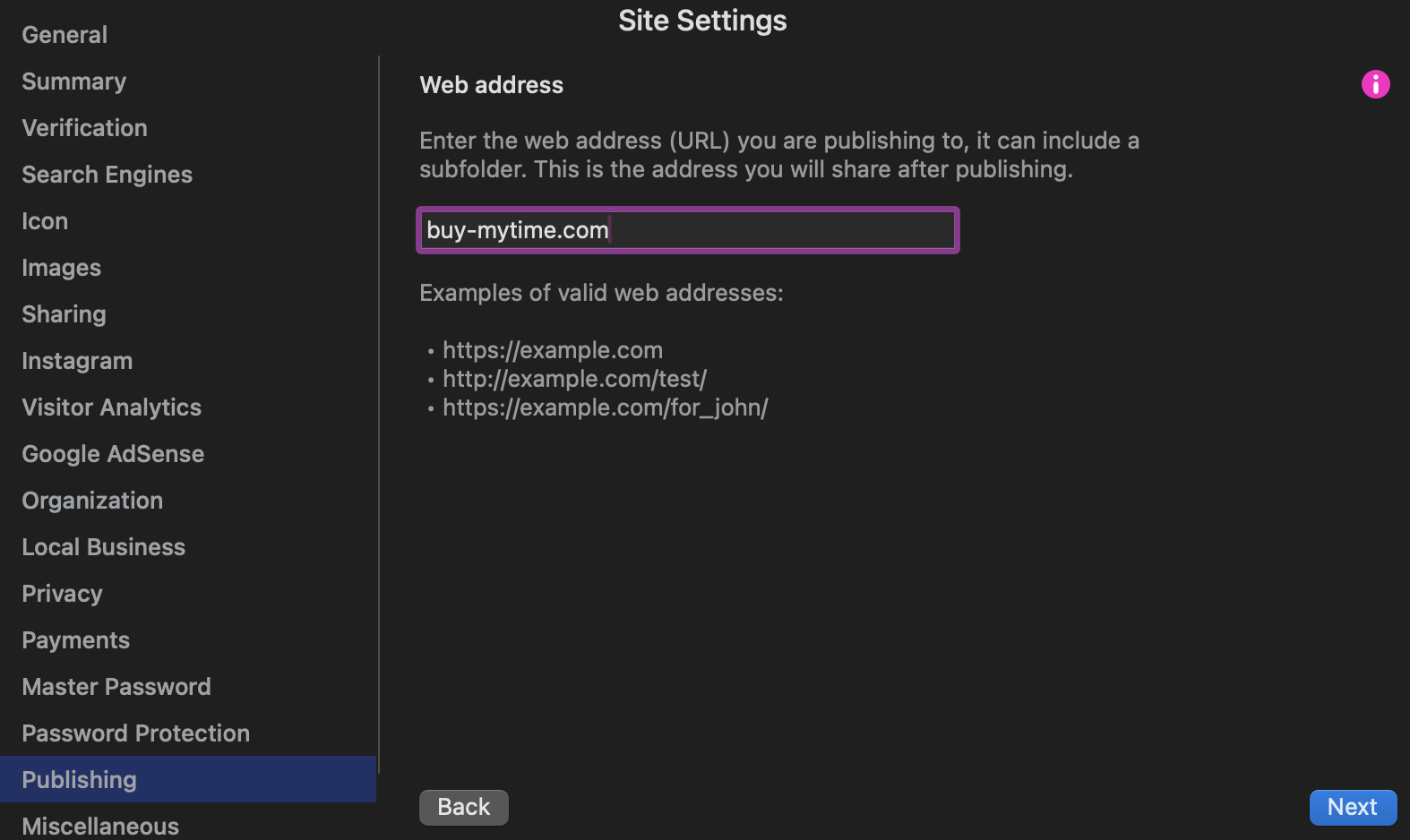
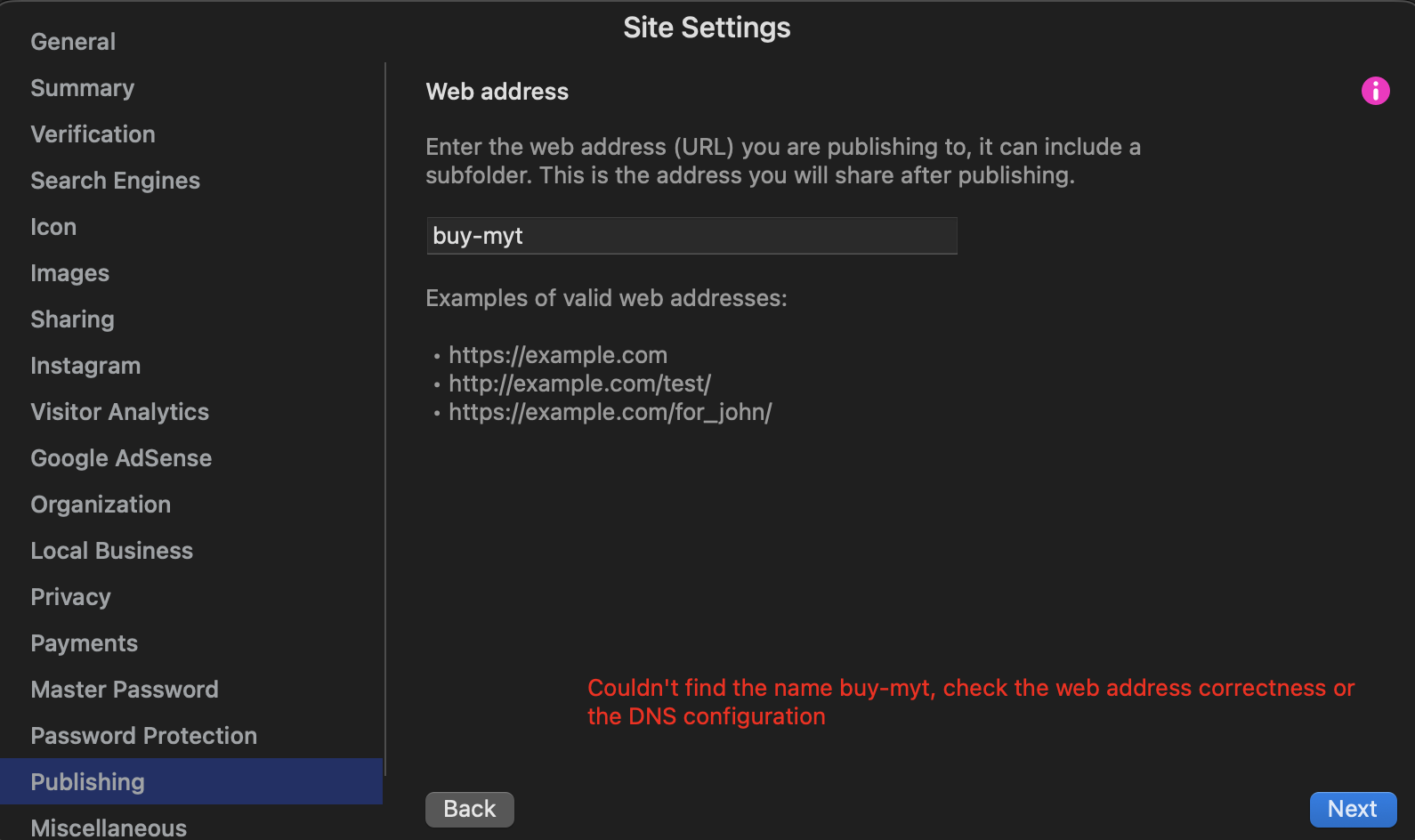
As you can see in the attached file, I can’t skip this page.
This is the first time this has happened to me.
I’d like your help.
Have you tried placing the “https://” in front of your URL?
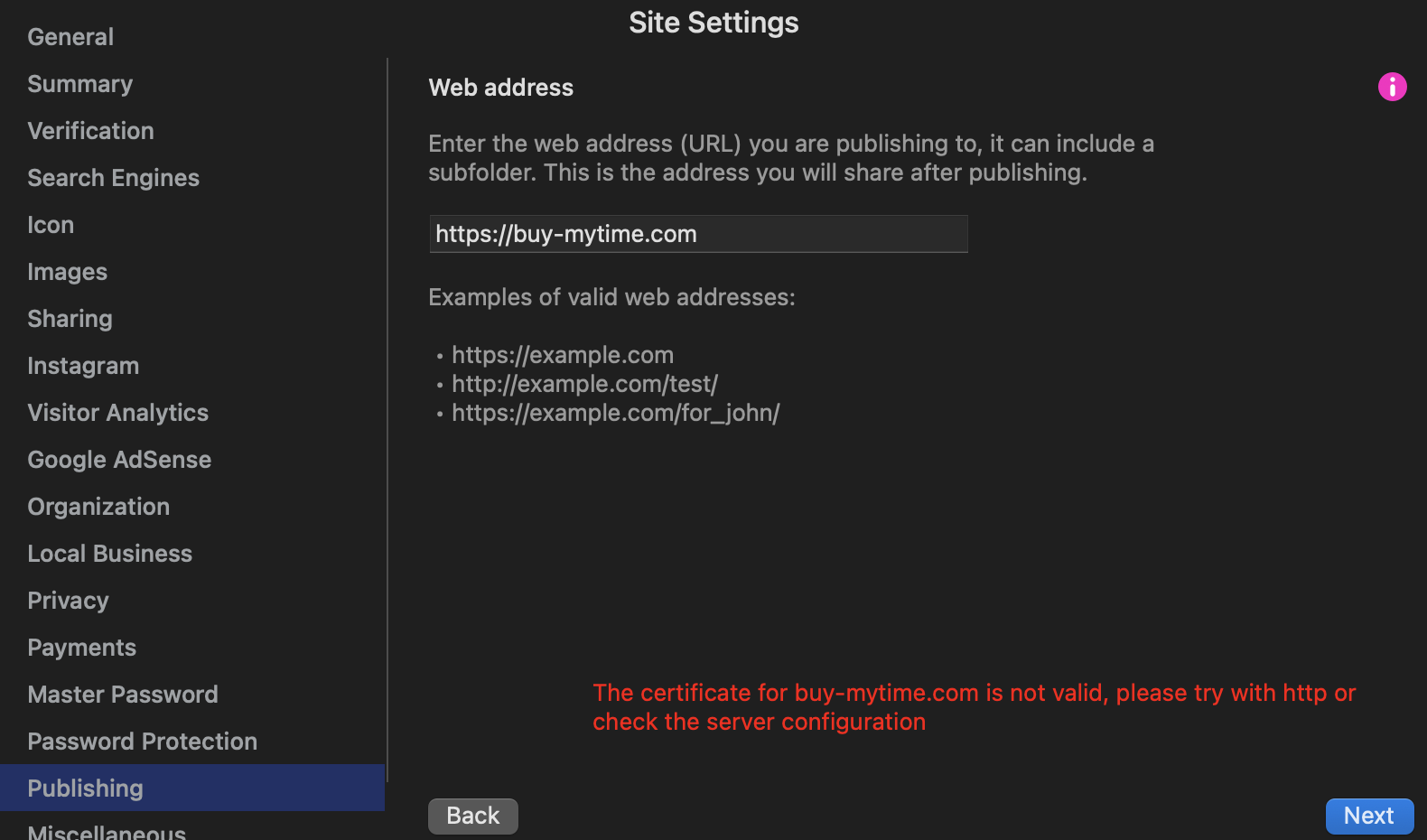

Your server is not secured, you need to use “http://buy-mytime.com/” for it to work. However, it will be important to secure your site with https in the future.
I designed many web addresses using the same server service.
I have many sites running on the same server through Sitely.
How can I overcome this problem?
What’s the problem? First screenshot shows no error. Second screenshot you omitted the .com. Third screenshot you had https without a secure certificate. What error do you get if you use http://buy-mytime.com?
https://www.awesomescreenshot.com/video/43213321?key=ab9045dbb24c0d2c68dc065cdf8e626a
I saved the screenshot and am sending the link.
The problem is this: I’m getting the same problems as the screenshot I sent for this domain when I share it normally.
The you paste the initial buy-mytime.com? Because it’s odd that it gets clipped. I can’t get that to happen here.
This is the exact address
https://www.awesomescreenshot.com/video/43213321?key=ab9045dbb24c0d2c68dc065cdf8e626a
Domaini yeni aldıysanız sertifika henüz işlenmediği için bu hatayı alıyor olabilirsiniz.
Birkaç saat sonra tekrar denerseniz sorun olmaycaktır diye düşünüyorum.
1 Like
As I explained earlier, you need to use “http”, not “https” (without the “S”) because your server doesn’t have an SSL certificate (which allows https). Please try again, it works on my end.