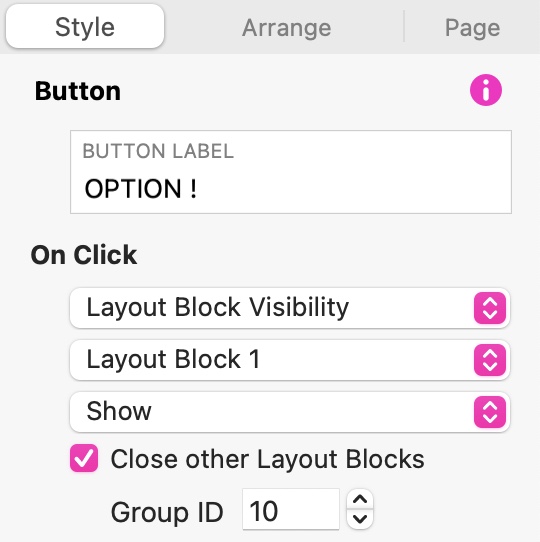
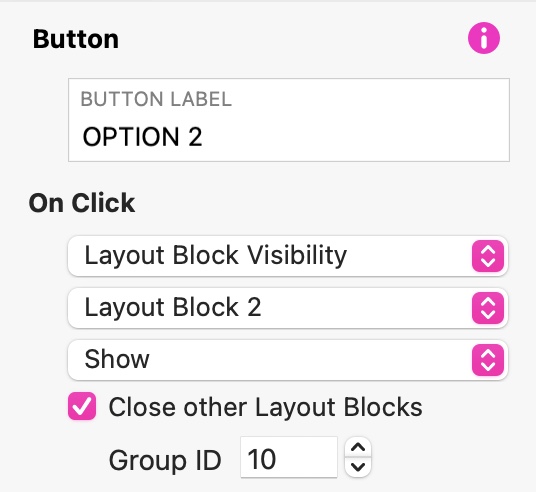
on that test, i have the first 2 buttons (Logiciels and Plans de support) sets to toggle visibility of 2 layouts blocs with in each an embedded content block.
The first one show up, but the second shows only if you refresh the page and use the first block to show…
It looks like you haven’t told your links which group ID is affected when clicked.
Firstly, You must give your layout blocks the SAME group ID
Then when you create your buttons, you set them to open the relevant layout block. When these are set to SHOW or TOGGLE layout Block visibility, you should be adding the group ID of the blocks as shown below - this allows the displayed layout block to close when the other is opened.
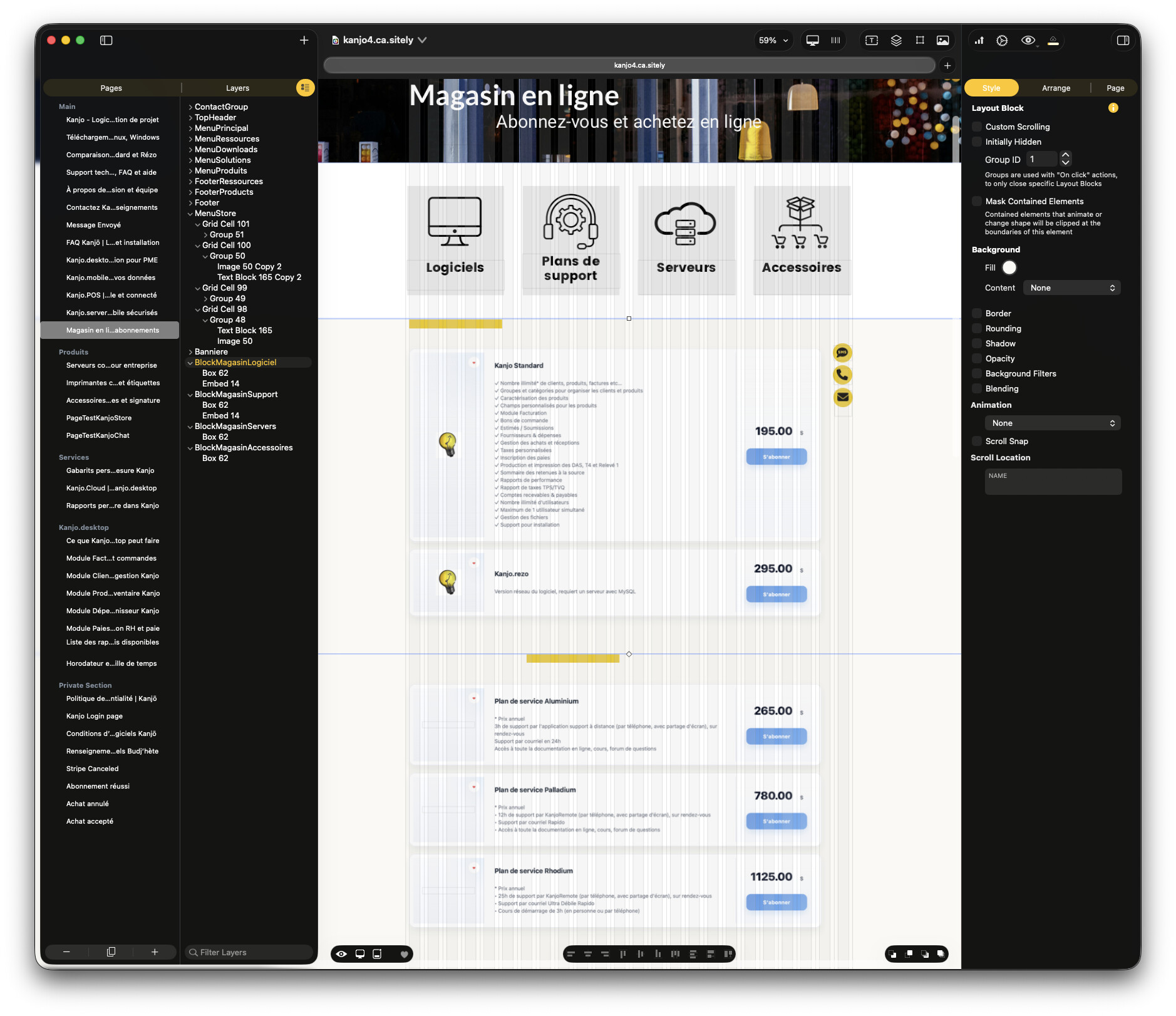
What your link should actually be doing is telling the page to show or toggle the visibility of a particular layout block whilst closing any other blocks on the page that have the same ID. This ensures that only one layout block within the same group gets displayed at a time. The difference between SHOW and TOGGLE simply effects the behaviour of the button itself. If the on click action is set to SHOW, it will simply show the targeted layout block. Clicking the link again will do nothing. However, if you set it to toggle, users will be able to click the link again to close the layout block. Obviously, if they click the other link, the currently displayed layout block will disappear as it will be replaced by the first one. So your choice depends on whether or not you want users to have the option of closing your layout blocks by clicking the link a second time.
I found my problem, it was not the Group ID, because it was working. It was my embedded snippet that was only able to have only one snippet on the page (I had to modify the giving server to manage snippet serialisation).