I am currently in the process of “creating” a website for my wife: solunarising.at
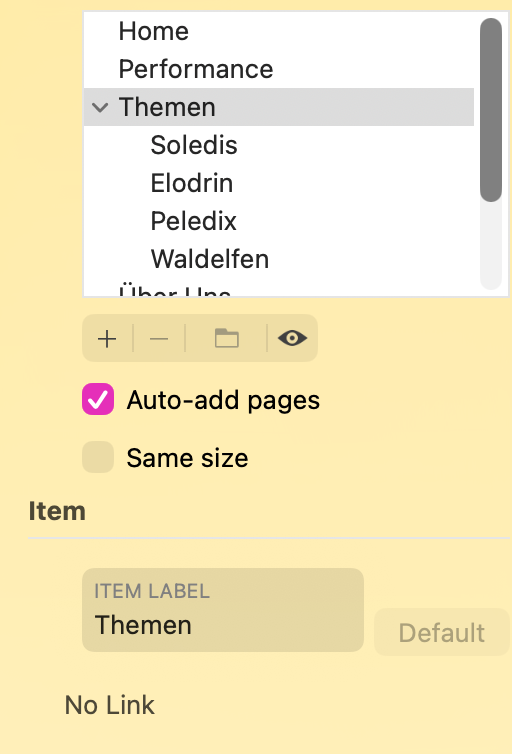
I have a menu, one item is the head of a submenu. Can this parent menu item also target a page? Since the link option is greyed out in the menu, is there a workaround like a hidden button or so?
This is something that isn’t possible. The reason being that there can only be one action on a link - it either opens the drop-down or performs a designated link action - it cannot do both. If you think about it from a user perspective, this arrangement makes perfect sense. How can you tell the link to either open the drop-down, or open another page. It may be better to have two links in the menu - one to open the top level page and one to activate a drop-down. Of course, you could alway dispense with the drop down altogether and have the link open a popup menu instead. This would allow you to create a top level page link in the pop-up, along with other link options. You could even include a top level link in your current drop-down if that is what you prefer.
Thanks for the clarification, Stephie! Pop-Up is the way to go it seems
However, I disagree a bit about your argument from the user perspective. There are websites where hovering above the top level item drops down the submenu, and clicking it leads to the summary page. You deactivate the drop-down by moving the pointer out of its range.
Thanks, Duncan. I will go and learn how to do it with pop-ups. Have not looked into that matter yet, but will be good to know anyways in order to build a more pleasing menu experience for mobile users.